What Is a Z Report? The Complete End-of-Day POS Closing Guide
May 26, 2026
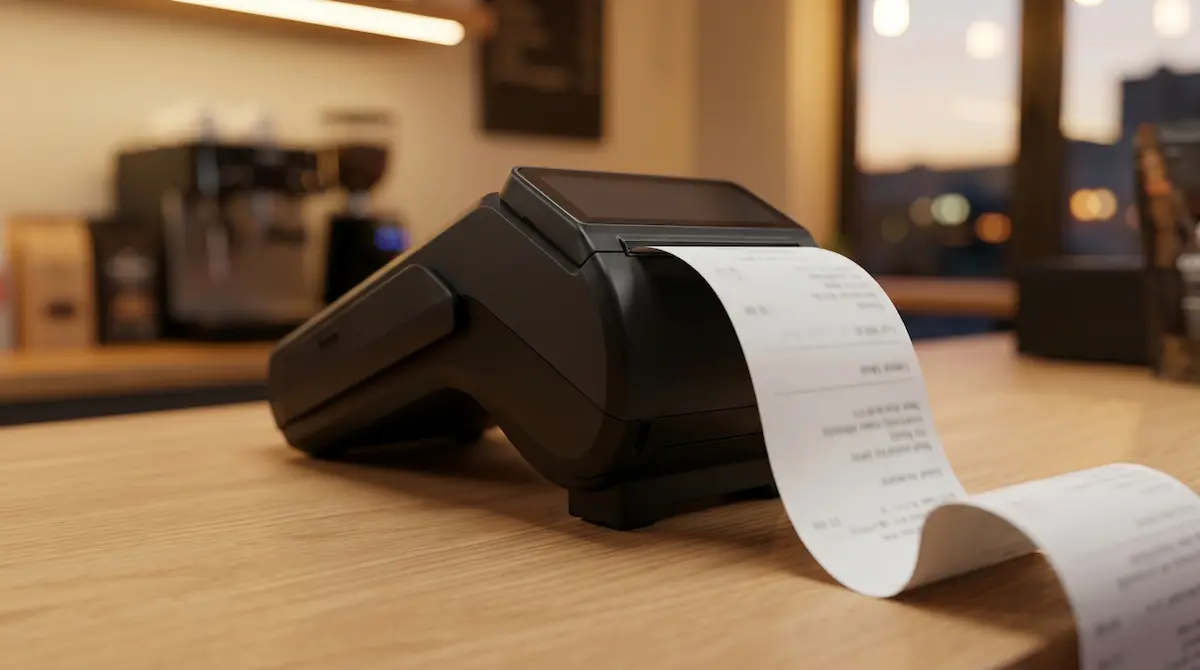
A Z report is a cumulative end-of-day sales report generated by a point-of-sale (POS) system or cash register that totals every transaction for the trading day, breaks them down by tax rate and payment method, and then resets the daily counters to zero. The "Z" stands for "zero" — once issued, the system starts the next day from a clean slate, and the report itself becomes the formal financial close of the day.
What Does a Z Report Do?
A Z report does three jobs at once: it closes the trading day, gives you the data you need to reconcile cash and card takings, and provides the line items your bookkeeper or accountant needs to file VAT, sales tax, or income statements.
During the day, every sale you ring up adds to internal counters inside the POS or cash register: gross sales, sales by category, tax owed, payments by method, refunds, voids. When you run a Z report at close, the system prints the totals, archives them, and resets those counters to zero. The next morning's first sale starts the new day from scratch. That is why the X report — which you can run as many times as you want during the day — is sometimes called an "interim" or "read-only" report: it shows the same totals but never resets anything.
In practice, a Z report tells you:
The total revenue your business earned that day.
How that revenue splits across tax rates (e.g., standard, reduced, zero).
How customers paid (cash, credit card, debit card, mobile wallet, gift card, on account).
How many transactions were processed.
How many refunds and voids were issued.
What the cash drawer should contain, so you can reconcile it against the physical count.
Without a Z report, there is no clean record of the day's takings — your accountant cannot file accurate returns, and you cannot reliably investigate a cash discrepancy.
X Report vs. Z Report: What Is the Difference?
X reports and Z reports come off the same machine and look similar, but they serve very different purposes.
Feature | X Report | Z Report |
|---|---|---|
Purpose | Mid-shift snapshot | End-of-day close |
Resets counters? | No | Yes |
Financial record? | No, informational only | Yes, permanent record |
How often? | As many times as needed | At least once per trading day |
Typical use | Shift handover, mid-day check, cash spot count | Daily reconciliation, accounting, audit trail |
Sequence number | None | Sequential, unique Z number |
Retention required? | No | Yes (depends on jurisdiction — often 5–10 years) |
A simple way to remember it: X gives you a "read-only" snapshot, Z closes the day. Shift change uses X; end of day uses Z.
How to Run a Z Report (Step by Step)
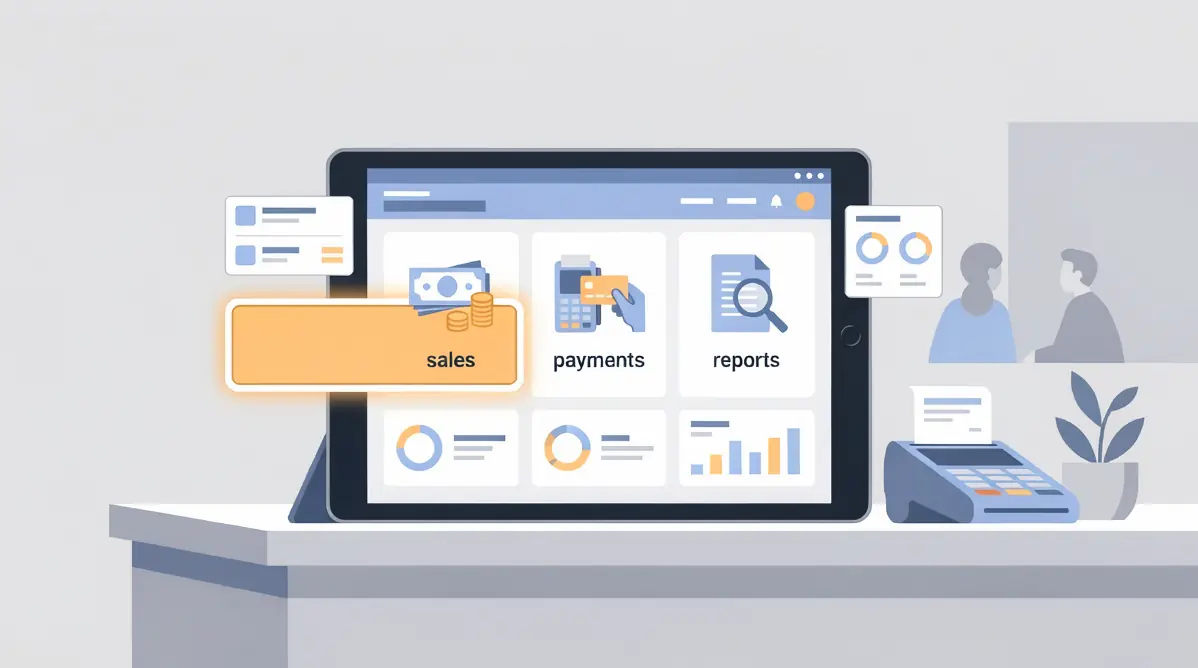
The exact path varies by device, but every modern POS follows the same logical flow. There are two common scenarios: traditional cash registers and software-based POS (tablet or terminal).
Scenario 1: Traditional cash register or fiscal printer
From the main menu, open the Reports or Manager section.
Select Z Report (sometimes labelled "End of Day" or "Daily Close").
Enter the manager PIN if required.
Confirm with OK or Yes — the device prints the report on the built-in thermal printer.
The printed slip carries a "Z" marker, a sequential Z number, and the date/time.
Many devices can be programmed to run an automatic Z at a fixed time (for example, 2:00 a.m.), removing the risk of forgetting.
Scenario 2: Software POS (tablet, terminal, or cloud POS)
Tap the End of Day or Close Register button on the main dashboard.
Review the on-screen summary of sales by category, tax rate, and payment method.
Count the physical cash in the drawer and enter the counted amount.
The software shows the variance between expected cash and counted cash (the cash over/short).
Confirm the close — the system locks the day, archives a PDF copy, and (where required) submits the totals to a connected fiscal device or government system.
Optionally, the report is e-mailed to your bookkeeper or pushed to your accounting software.
Software POS bundles cash counting, variance detection, and digital archiving into one flow — much harder to lose, much faster to audit.
What Information Appears on a Z Report?
A standard Z report includes most or all of the following lines:
Business identifiers: Trading name, address, tax registration number, device serial number.
Z sequence number: A counter that increments by 1 with every Z, never resets (Z 0001, Z 0002, …).
Date and time the report was run.
Gross sales total for the day, including taxes.
Net sales by tax rate: Subtotal and tax owed for each tax band (e.g., 0%, reduced, standard).
Payment method breakdown: Cash, credit, debit, mobile wallet, gift card, on-account, etc.
Refunds and voids: Totals processed during the day.
Transaction count: Number of sales tickets issued.
Cash drawer balance: Expected cash, counted cash, and variance.
Discounts and promotions applied.
Tip totals (in hospitality).
Service or table charge totals (in hospitality).
These are the same numbers your accountant uses when preparing weekly bookkeeping, monthly tax returns, and year-end statements. A clean Z report saves hours of reconciliation later.
When Should You Run a Z Report?
The rule is simple: once at the end of each trading day, after the last sale.
Practical guidance:
In shift-based operations, run an X report at shift change, not a Z. Z marks the close of the trading day, not the close of a shift.
In late-night venues (bars, clubs, late-night restaurants), the "end of day" is when you finish service — even if that is 3:00 a.m. — not midnight.
In 24-hour stores, pick a fixed cut-off time (often 23:59) and run an automatic Z each day at that time.
On days with zero sales (e.g., when the store is closed), no Z is needed; the device simply carries zero into the next day.
If you miss a Z, most modern POS systems will auto-issue the previous day's Z the first time you ring up a sale the following day. Reliable, but you lose the ability to investigate a cash variance because two days are now combined.
How Long Should Z Reports Be Kept?
Retention rules depend on your jurisdiction, but most countries require sales records to be kept for 5 to 10 years for tax audit purposes. In addition to legal requirements, holding longer digital archives is cheap and useful for trend analysis and dispute resolution.
Three storage options, in order of reliability:
Cloud-archived PDFs generated automatically by your POS software. Fastest to search, lowest risk of loss.
Local digital exports to a NAS or external drive. Good if backed up off-site.
Paper-only filing. Thermal paper fades within 6–12 months; the originals can become unreadable before the retention period ends. Avoid as the sole archive.
If your POS doesn't auto-archive Z reports, switching to one that does typically pays for itself the first time you need a five-year-old report for an audit.
Common Z Report Mistakes (and How to Avoid Them)
Forgetting to run Z and combining two days into one. Auto-close helps, but it hides cash variances.
Running Z twice in the same day. The second one just prints zeros, wastes a Z number, and confuses the accountant.
Running a Z at every shift change. Z is for the day, not the shift; use X reports for handover.
Skipping the physical cash count. Without counting, the variance line is meaningless and theft or human error stays invisible.
Ignoring the variance line. Even small daily variances compound — investigate anything over your threshold (often 0.5–1% of cash takings).
Letting thermal slips fade. Without a digital backup, the paper becomes blank within a year.
Refunds and corrections after the Z. Anything done after close lands on the next day's report; train staff to clear everything before closing.
Auto-close set during business hours. A Z scheduled at 22:00 will push every 22:01 sale into the next day's totals — usually not what you want.
POS and fiscal printer out of sync. When two devices are involved, a network drop during close can leave them with different totals; reconcile before walking away.
Industry Examples: Z Reports in Different Businesses
Restaurants and cafes
The end-of-day Z in hospitality is more than a sales total — it consolidates dine-in, takeaway, delivery platforms, table service, and bar tabs into a single financial close. Always make sure every open ticket is settled before running Z; an open tab will block the close or be carried into the next day.
Retail and convenience stores
High transaction counts and multiple tax rates make the per-tax-band breakdown the most important line on the report. A miscategorised product can quietly push revenue into the wrong tax bucket all month.
Small specialty and boutique businesses
Lower volume doesn't mean lower obligation. Many small operators wrongly assume "low sales = no Z needed." The legal duty to keep daily sales records applies regardless of size — and a Z is the cleanest way to comply.
Multi-location chains
Each location closes its own Z, but head office expects a consolidated daily view. A modern cloud POS rolls every store's Z into a single dashboard the morning after, removing the spreadsheet reconciliation work.
How Kardo POS Handles End-of-Day Closing
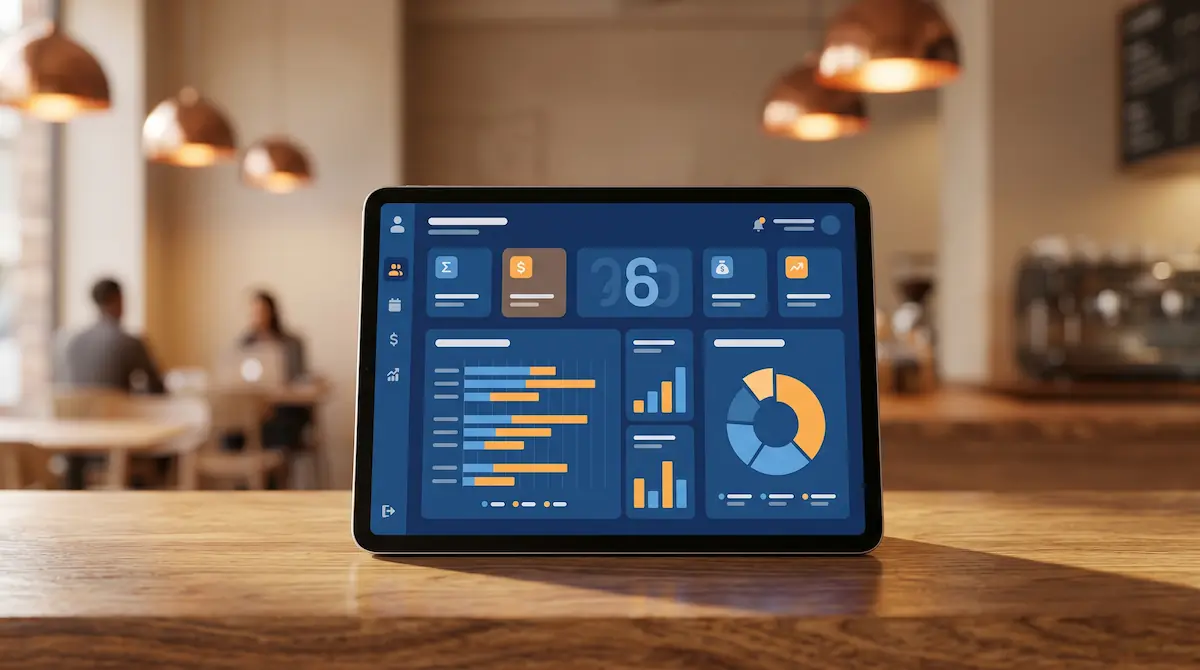
Kardo POS replaces the "navigate three menus, find the right button" experience with a single End of Day action. From one tap, the system:
Summarises the day's sales by category, payment method, and (in multi-location accounts) by store.
Flags any open tickets, open tables, or open delivery orders — you can't close the day until they're settled.
Walks you through a cash-counting wizard and shows the variance instantly.
Triggers any connected fiscal printer or government reporting interface automatically.
Archives a PDF of the Z report and (optionally) e-mails it to your accountant or pushes it to your accounting software.
In multi-store accounts, rolls every location's Z into a single head-office report the moment each store closes.
What used to be a 30-minute cashier ritual becomes a 2-minute, one-tap process with the variance and digital archive done automatically.
Frequently Asked Questions
What's the most important difference between X and Z reports?
An X report is a read-only mid-day snapshot — it doesn't reset anything and has no formal financial weight. A Z report closes the day, resets the counters, gets a permanent sequence number, and is required at least once per trading day.
What happens if I forget to run a Z report?
Most modern POS systems automatically run the previous day's Z the next time you ring up a sale. The numbers are preserved, but combining two days into one Z makes it nearly impossible to investigate a cash variance.
Do I need to run a Z on a day with no sales?
No. If no sales were rung up, there's nothing to close. The system simply carries zero forward.
Can I run a Z if my internet is down?
Yes, on most modern POS and on every fiscal printer. The Z prints locally; any required cloud or fiscal upload queues until connectivity is back.
My cash drawer doesn't match the Z — what now?
Reconcile per payment method first — variances are almost always cash, not card. Walk back through the day's cash events (sales, refunds, paid-ins, paid-outs) in your POS. Systematic variances point to a process or staffing issue; one-off variances are usually change-making mistakes.
Can the Z sequence number be reset?
No. The Z counter is a one-way, ever-incrementing counter — that's exactly what gives the report its evidentiary value. A Z number that could be reset would have no auditing power.
Can I just use my bank statements instead of Z reports?
No. Bank statements only show card and digital settlement; they miss cash, gift cards, and on-account sales. The Z report is the only complete daily record across every payment channel.
How long do I need to keep Z reports?
Most jurisdictions require 5 to 10 years. Thermal paper fades long before that, so digital archiving (or a POS that does it automatically) is strongly recommended.