.webp)
What Is a QR Menu? Digital Menu Guide for Cafes & Restaurants (2026)
May 12, 2026
A QR menu is a digital menu system that lets customers view a restaurant or cafe's menu by scanning a QR code with their phone camera. It replaces printed menus with a real-time digital experience — covering product listings, photos, allergen information, table-side ordering, and staff requests, all managed from a single online dashboard without reprinting costs.
Prices change. New dishes get added. Seasonal items come and go. For businesses using printed menus, that means redesigning, reprinting, and spending every time something shifts.
On top of that, busy services bring their own friction: customers waiting for a server, worn-out menus that don't look the part, or items that haven't been updated in weeks.
This is where QR menus make a real difference — not just as a modern detail, but as an operational tool that speeds up service and reduces costs.
How Does a QR Menu System Work?
The setup is straightforward:
1. The business creates a QR code
The business can generate a single QR code for the whole venue, or create separate codes for each table.
With table-specific codes, each table is registered in the system individually. Customers can then order or make requests directly from their own table.
2. The customer scans the code
Pointing their phone camera at the QR code takes the customer straight to the digital menu — no app download required.
3. The menu opens on screen
Customers can:
Browse menu categories
View individual product details
See product photos
Check ingredient and allergen information
Businesses can apply labels to highlight specific items:
New Item
Star Product
Special Presentation
The menu can also display allergen warnings for products containing:
Gluten
Eggs
Fish
Peanuts
Soy
Shellfish
This is especially valuable for customers with food allergies or intolerances.
Table-Side Ordering and Staff Requests
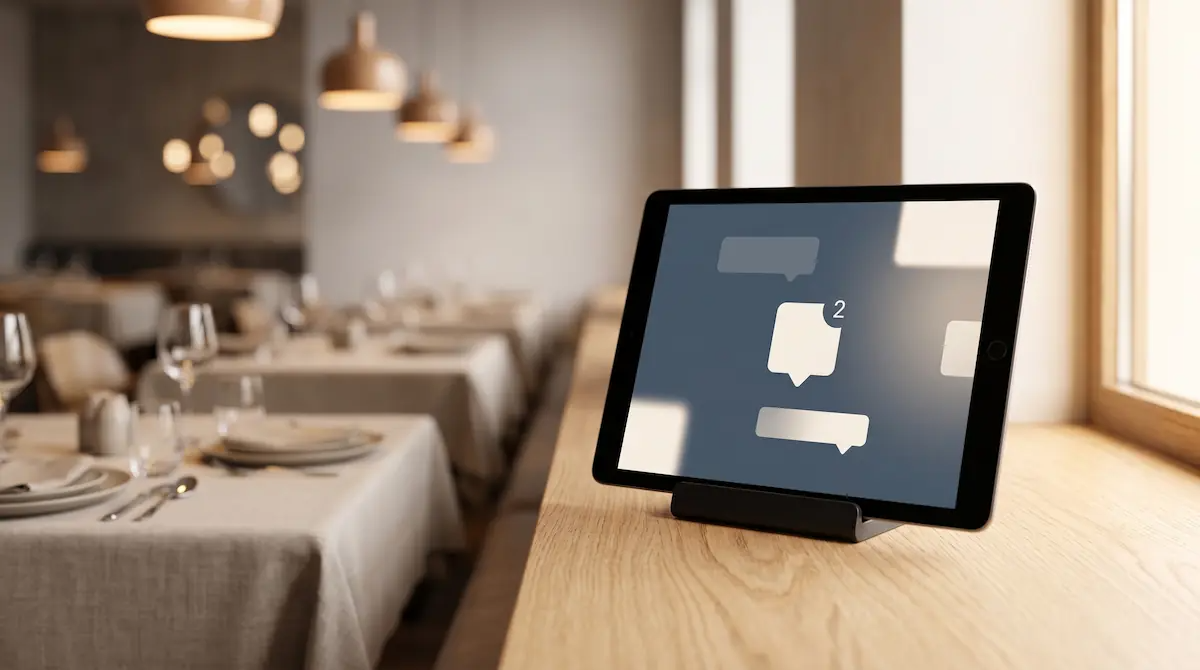
One of the strongest features of a QR menu system is table-level interaction.
When a customer scans a table-specific code, they can:
Place an order directly from their table
Call for a member of staff
Staff requests trigger an instant notification on the sales screen, showing exactly which table made the request. This cuts waiting time during busy service periods and keeps the floor running smoothly.
Customisation Options
Modern QR menu platforms go well beyond a basic product list.
With Kardo's QR Menu system, businesses can:
Add their logo
Customise the menu cover
Upload product photos
Choose from multiple design themes
Match the menu appearance to their brand identity
Five different QR menu themes are available, so businesses can find a look that fits their concept.
Multi-Language Support
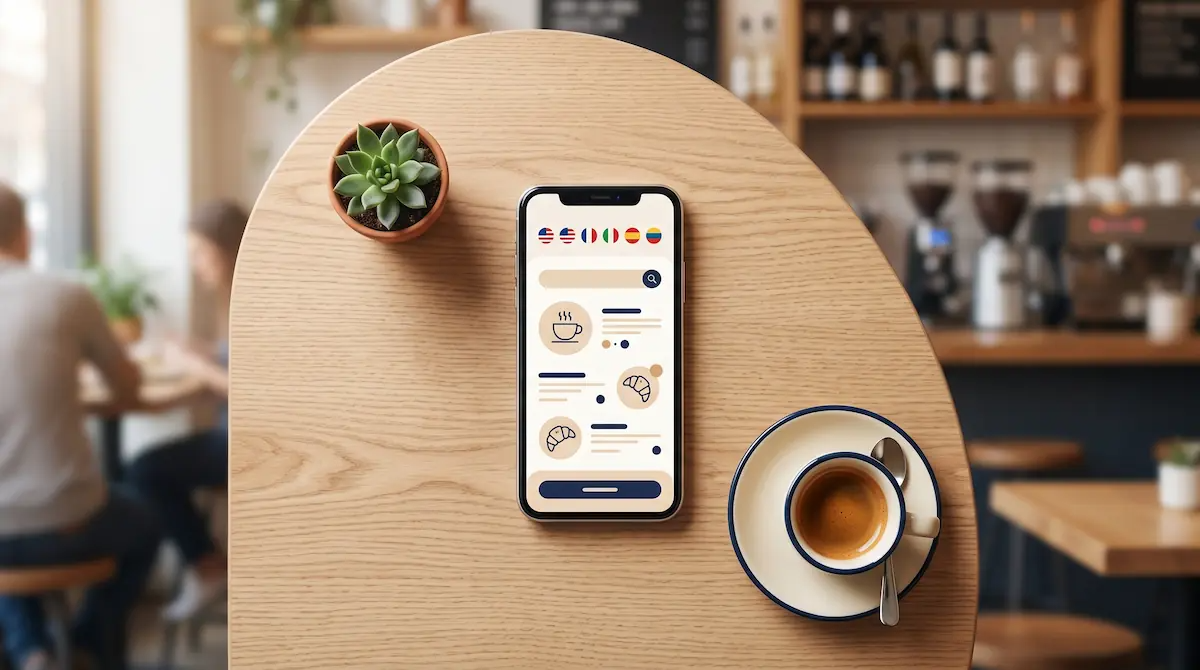
For venues in tourist areas or cities with international visitors, multi-language menus are a significant advantage.
Businesses can add product names and descriptions in multiple languages. Customers then see the menu in their preferred language — reducing order errors, improving the guest experience, and giving the venue a more professional feel.
Managing the Menu
Businesses can either build a new QR menu from scratch or import their existing sales menu directly into the QR system — no need to re-enter everything manually.
From there, they can:
Hide specific products from the QR menu
Organise categories
Adjust product display order
Update the menu in real time
One of the most practical features is synchronisation between the sales system and the QR menu.
When a business makes changes to its main sales menu — updating a price, adding a product, editing a description — those changes can be pushed to the QR menu in one step using the "Sync Products" function.
This is particularly useful for:
Venues with daily or seasonal menus
Kitchens where stock availability changes frequently
High-volume cafes and restaurants during service
When an item sells out, it can be taken offline quickly, and the change is reflected immediately in what customers see.
Do QR Codes Need to Be Replaced?
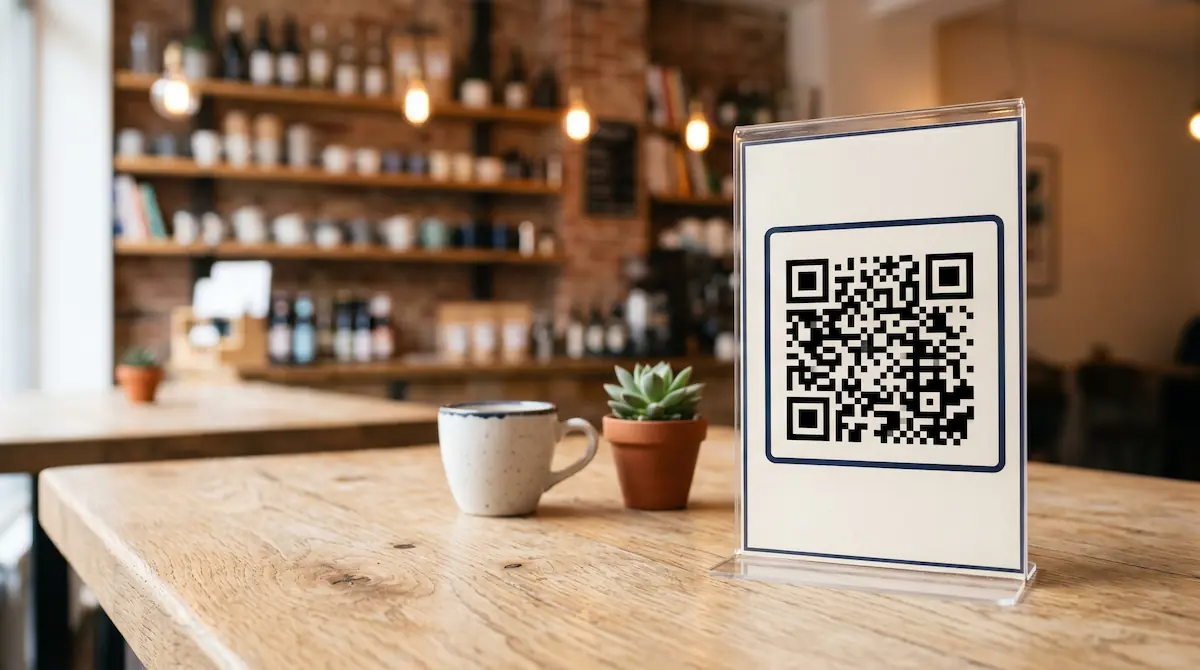
No.
Once printed, a QR code stays the same regardless of how many times the menu changes.
Updating prices, adding products, swapping photos, or removing items all happens in the dashboard — the code itself never needs to change. This eliminates one of the biggest ongoing costs of printed menu management.
Security and Order Controls
Businesses can set their service address within the system, which helps reduce the risk of orders coming from outside the venue.
Kitchen opening and closing times can also be defined, preventing orders from being placed outside service hours.
Social Media and Wi-Fi Links
Businesses can include links to their:
Instagram
Facebook
Website
Wi-Fi details
These appear as small icons at the bottom of the QR menu screen, accessible with a single tap — a small detail that adds convenience and keeps customers connected.
Why Businesses Are Switching to QR Menus
Lower printing costs
No more reprinting whenever a price or product changes.
Instant menu updates
New items, price changes, and promotions go live immediately.
Faster service
Table-side ordering and staff call features reduce waiting time.
More professional presentation
Photo-rich, modern menus strengthen brand perception.
Better experience for international guests
Multi-language support means foreign visitors can navigate the menu with ease.
One system, fully connected
The sales system and QR menu stay in sync automatically.
QR Menus Are Standard, Not Optional
Digital menus are no longer the preserve of large restaurant chains. For small and medium-sized hospitality businesses, they've become a practical tool for improving service speed, reducing costs, and delivering a better guest experience.
Features like real-time menu management, table-side ordering, staff requests, multi-language support, photo menus, allergen warnings, and live synchronisation with the sales system make QR menus a meaningful upgrade from the printed alternative.
And because everything is managed in one place, a single printed QR code can serve a venue for years without needing to be changed.
For more on Kardo's QR Menu system and how it integrates with your POS: kardopos.com