Scalable POS Infrastructure for Growing Businesses: What to Look For
September 16, 2026
A scalable POS system is a point-of-sale platform that grows with your business on the same backbone: new locations, more registers and users, added modules such as bookkeeping or a self-service kiosk, and online sales, all without a system change. Meeting today's needs is not enough; it has to carry the business you will be running in two years.
Most single-location businesses pick their POS for that day's needs: one register, a few hundred products, two cashiers. Then the second location, the online shop or a widening product range arrives, and the system's edges start to show. This is not an article about software architecture. It is a buyer's guide: how to tell, before you sign, whether a POS can keep pace with your growth.
What Happens When Your POS Can't Keep Up With Growth
A scaling problem rarely announces itself with a crash. It shows up as small compromises: staff start working around the system, and over time the workarounds become the operation. If even one of the five symptoms below sounds familiar, your POS is no longer carrying your growth.
A separate install and database for the second location: When the new location opens, products, prices and users are set up from scratch. The two locations run like two unrelated businesses.
A licensing wall every time you add a cashier or a tablet: You want one more register for the busy season and suddenly you are negotiating an extra license, another install, or a "plan upgrade."
Back to spreadsheets for stock and reporting: The system cannot show stock across locations or consolidated sales, so someone copies the numbers into a spreadsheet every week.
Online orders keyed into the POS by hand: Orders from your delivery platform or website are retyped at the register. Stock and reports see them late, or never.
Location reports that cannot be combined: Each location produces its own report; to see the whole business, someone has to add it all up at the end of the day.
Each of these looks like a "temporary fix" at first. But temporary fixes pile up, and before long the business is planning its growth around the limits of its software.
The 6 Criteria of a Scalable POS Infrastructure
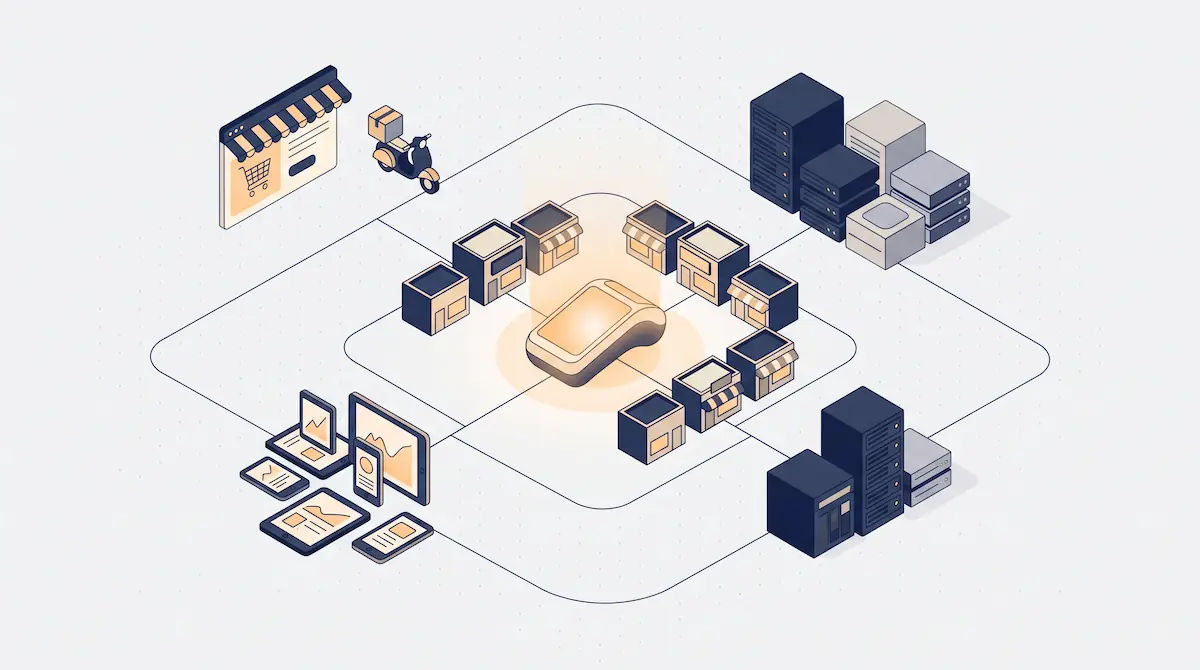
No single feature decides whether a POS can carry growth. A business grows in four directions: more locations, more users and devices, more modules, more sales channels. Add data volume and connections to outside systems, and you have six criteria. Asking about each one separately in the sales conversation is the fastest way to find out what a vendor actually means by "scalable."
Criterion 1: Adding Locations
The first question is simple: when you open your second location, what do you have to do in the POS? On a scalable POS system, a new location is set up under the existing account within hours. The product catalog, price list and user pool come from the center; the location only adds its own registers, stock and staff on top.
Systems that demand a separate install per location turn each one into an island: the same product exists under two codes, every price change is made twice, and the two sets of reports never line up. How central price updates, stock transfers between locations and remote management work in practice is covered in our multi-location POS management guide; the test here is whether that structure exists from day one.
Criterion 2: Users and Devices
In a growing business, the device count climbs faster than the location count. A second register for peak hours, tablets for floor staff, a handheld for the stockroom, a kitchen display for the line: even a single location can end up running five or six devices. If adding any of them means a fresh install, a separate server or a system change, the infrastructure is not scaling.
On the user side, the critical piece is role-based permissions. In a team of two, everyone does everything. In a team of fifteen, a cashier should not be able to process refunds, a location manager should only see their own location's reports, and the bookkeeper should never touch the sales screen. If the system cannot define these roles from the start, permissions turn to chaos as you grow.
Watch out for the "per-user license" model too. It looks cheap with a small team, but every new cashier and every seasonal hire pushes the cost up; it is a model that punishes growth directly. Price the quote against the headcount you expect a year from now, not today's.
Criterion 3: Adding Modules
As a business grows, so does its wish list. Today sales and stock are enough; tomorrow it is bookkeeping, a self-service kiosk, a QR menu or a loyalty program. The real question is not whether those modules exist, but how.
The difference matters. If a module is part of the same backbone, it works with your existing product, customer and sales data the moment you switch it on: a kiosk order draws down the same stock, and bookkeeping sees the same sales record. If it is a separate piece of software integrated after the fact, there is a connecting layer in between, and that layer risks breaking with every update. The total cost of ownership of a patchwork stack versus a single platform is compared in our all-in-one POS article; the question to ask here is whether the module you need lives "inside the same system" or is "a compatible partner product."
Criterion 4: E-Commerce and Online Channel Readiness
You may not sell online today, but most growing businesses eventually open a website, list on a marketplace or join a delivery platform. When that step comes, the POS has to deliver two things: stock managed from a single source, and online orders landing in the register automatically.
Without a single stock source, the last unit sold in the shop still shows as available online. Without automatic order flow, the "keyed in by hand" symptom from the top of this article becomes yours too. The question to ask before you buy: "I won't use this today. When I want it tomorrow, can I add it without changing systems?" How online and in-store sales come together in one POS is covered in our omnichannel guide; the test here is simply whether that door is open.
Criterion 5: API and Third-Party Integrations
No POS replaces every piece of software a business uses. Accounting software, payment providers, e-commerce platforms, loyalty apps, courier and delivery services: each will want to exchange data with the POS at some point, and that capacity matters more with every stage of growth.
Look at three things. First, does the vendor publish a current list of integrations? "We integrate with everything" without actual product names is not a promise, it is a sales pitch. Second, is there an open interface (an API) for software that wants to connect from outside? That is your insurance for tomorrow's tools, the ones you cannot name yet. Third, and most important, do you have the right to export your data: can you pull products, customers and sales history in a standard format whenever you choose?
That is exactly the risk of a closed system: a POS that will not let your data out has every means it needs to keep you locked in once you have grown. Scalability includes the freedom to leave when you need to.
Criterion 6: Data and Reporting at Scale
A system that runs smoothly with five hundred products can slow down at five thousand. A report that takes seconds at one location can take minutes across ten locations and three years of history. Data volume is the criterion buyers ask about least and feel most as they grow.
Four questions test a POS for data scale. Do the sales screen and product search stay fast as the catalog grows? Do sales from every location roll up into one consolidated report? Does historical sales data stay accessible over time, without being trimmed or archived away? Can reports be filtered by location, sales channel, staff member and product group?
Get the answers with a data set close to your growth target, not a demo with a few hundred products, and where possible ask for a reference customer at a similar scale.
The Real Cost of Switching POS Systems

The price of ignoring scalability is being forced to switch POS systems one day. That cost is not just the new system's price tag; the real weight sits in the items that never appear on the quote.
Data migration risk: Product catalog, price lists, customer records, sales history and, for producers, recipes all have to move to the new system. Every record lost or corrupted in transfer becomes a clean-up job that drags on for months.
Retraining: Every member of staff learns a new interface. Multiply that by turnover: each hire during the transition starts out juggling two systems.
Days of disruption: During installation, migration and testing, sales either slow down or run on workarounds. In peak season, those days are lost revenue.
Broken integrations: Accounting, payment and online-ordering connections have to be rebuilt. Each one means its own setup, testing and period of errors.
Lost speed and muscle memory: Transactions an experienced cashier does without looking take weeks to get back to speed on a new system. Queues get longer, mistakes go up.
For most businesses these items outweigh the new system's price tag by a wide margin. That is the most tangible return on choosing well: instead of paying this cost at every stage of growth, you never pay it at all.
Before You Buy: Growth Capacity Checklist
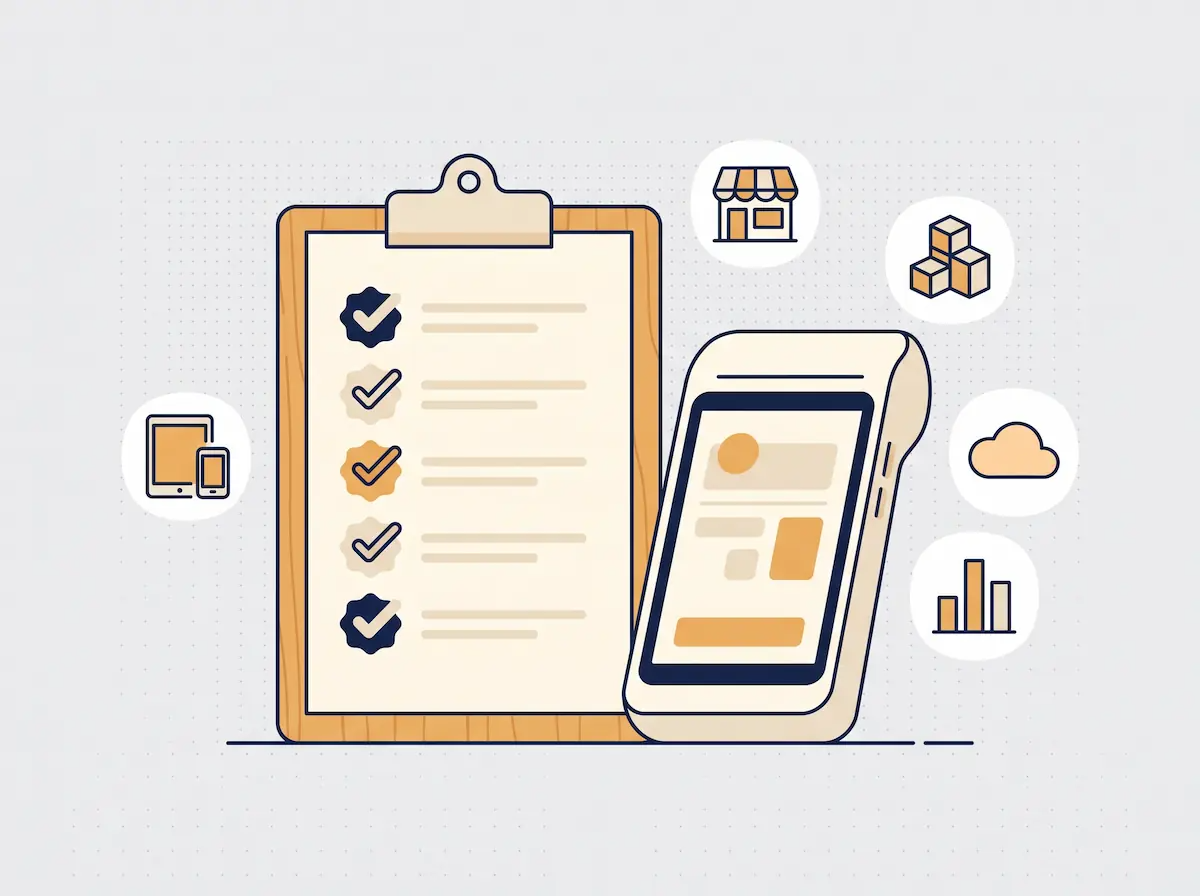
Ask the ten questions below one by one during the sales conversation, and get the answers in writing. The more "yes" answers you collect, the more comfortably the system will carry your growth. Vague answers, or anything like "coming soon," count as a "no" today.
Can a new location be opened under the same account? No separate install, no separate database?
Does adding a user or device require extra setup? Can a new register or tablet be live within minutes?
Are bookkeeping, kiosk and QR menu part of the same system? Or are they separate products connected later?
Do online orders land in the POS automatically? No manual entry for website and delivery-platform orders?
Is there a published list of accounting, payment and e-commerce integrations? Does it name actual products?
Can I export my data? Products, customers and sales history, in a standard format, whenever I want?
How does it perform with more than 5,000 products and multi-location reports? Is there a reference customer at a similar scale?
Can I report by location, channel and staff member? Does a consolidated report come out on a single screen?
Can role-based permissions be defined? Different visibility for cashier, location manager and bookkeeper?
How does the pricing change as I grow? By what rule does the cost rise when a location, user or device is added?
Reading Guide by Growth Stage
Start wherever your business is right now; this guide grows as new articles are added.
Getting Started: Laying the Right Foundation
What Is a POS System? Complete Guide for Businesses (2025) — Get the device types and core concepts straight before choosing your first POS.
Modern POS vs Traditional Cash Register: 2026 Buyer's Guide — For weighing a traditional register against a modern POS in your first setup.
Why Choose an All-in-One POS System? Cost and Efficiency Analysis — The total-cost comparison between a patchwork of tools and a single platform.
Daily Operations: Sales, Stock and Orders
POS System for Restaurants & Cafes: Order & Table Management — Read before setting up order and table flow if you run table service.
Inventory Management Software: POS-Integrated Stock Tracking Guide — For putting stock in order once your product range starts to grow.
What Is Self-Service? A Guide for Restaurants, Cafes and Retail (2026) — Your self-service options when the queue at the counter is slowing growth.
Self-Service Kiosk Ordering System: A Complete Guide for Fast Food & Cafes (2026) — For when you are considering handing peak-hour ordering to a kiosk.
Employee Time Tracking via POS: Staff, Shift & Performance Management — Running time and shift tracking through the POS as your team grows.
Recipe Management: Production Cost Control for Bakeries & Restaurants — Tracking the cost of the products you make down to the gram.
From Production to Shelf: Integrated Stock Tracking for Bakeries — Connecting the stock flow between production and the point of sale.
Multiple Locations: Managing from the Center
Multi-Location POS Management: A System Architecture Guide for Chain Businesses — Read before opening your second location to see how central management works.
Multi-Branch Staff and Inventory Management: A Complete POS Guide — Setting up staff and stock routines across locations.
Omnichannel POS: Manage Your Online Store and Physical Shop Together — Bringing shop and web stock into a single source as you move online.
Financial Control: Cash and Reporting
What Is a Z Report? The Complete End-of-Day POS Closing Guide — Turning the end-of-day routine into a standard process.
Accounting Software for Small Business: POS-Integrated Bookkeeping — For moving bookkeeping out of spreadsheets and into the POS.
Real-Time Cash Management: 5 Ways to Prevent Cash Discrepancies — Catching cash shortages at the source as locations and cashiers multiply.
What is a Digital Receipt and How is it Used? A Complete Guide for Cafes and Restaurants (2026) — For moving order tickets and receipts to a digital format.
POS System Security: Payment Data Protection Complete Guide — Reviewing your security setup as devices and users multiply.
Frequently Asked Questions
Does scalability really matter when I only have one location?
Yes, because a POS decision is usually made once and lived with for years. Choosing the right infrastructure while you have a single location means never paying for a system change when the second location or online sales come along. Scalability is not a feature you use today; it is a door you keep open for tomorrow.
Is every cloud-based POS scalable?
No. Cloud is a prerequisite for scalability, but not enough on its own. A cloud system can still demand a separate account per location, cap the number of users, or sell its modules as separate software. Apply the six criteria in this article to cloud-based systems exactly as you would to any other.
Will my data move across if I switch from my current POS?
That depends on whether your current system lets you export it. Product and customer lists can usually be moved; sales history and recipes are harder. When choosing a new system, ask about both import support and your future right to export, right at the start.
Is a scalable POS system overkill for a small business?
No. Scalable does not mean complicated. A well-designed system runs just as simply on a single register; as you grow, you only add layers. What is actually overkill is rebuilding from scratch in two years and retraining your entire team.
Growth-Ready Infrastructure with Kardo POS
Kardo POS runs on a cloud-based infrastructure, and its kiosk, QR menu, kitchen display (KDS), recipe-based inventory, staff and bookkeeping modules are built in from the start rather than bolted on later. When a new location opens, central multi-location management keeps your products, prices and user pool under the same account, and online ordering platform integration brings outside orders straight into the register.
Take the checklist in this article into a Kardo POS demo and work through it question by question. The goal is simple: when your business moves to a second location, online sales or a wider product range, you should not have to change systems to get there.