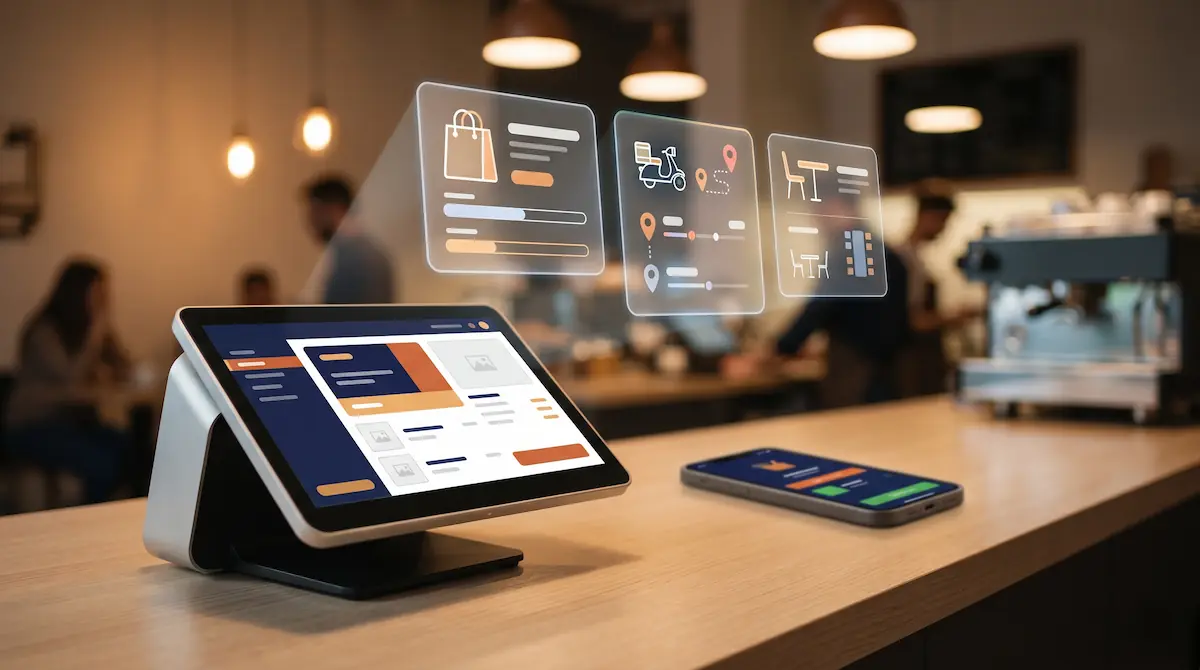
Omnichannel POS: Manage Your Online Store and Physical Shop Together
June 2, 2026
What Is Omnichannel POS?
An omnichannel POS is a point-of-sale system that manages every transaction — whether it happens at your in-store terminal, on a food delivery app, or on your webshop — from a single inventory and order pool. A sale at the counter, an Uber Eats order, and a checkout on your Shopify store all update the same stock record in real time. There is one source of truth, and channels never drift out of sync.
Traditional POS systems only see what happens at the counter. Delivery orders arrive on a separate tablet, web orders live in a different dashboard, and invoicing happens in yet another tool. Three systems, three stock counts, three reports. Omnichannel collapses that fragmentation into one screen.
One Inventory, Many Channels: Why Sync Matters
Stock inconsistency is the single most common reason operators move to omnichannel. The classic scenario: you sell the last burger at the counter, and thirty seconds later an Uber Eats order for that same burger comes in. The courier is already on the way, the kitchen realises the item is out, the customer cancels, and you lose a star on the platform.
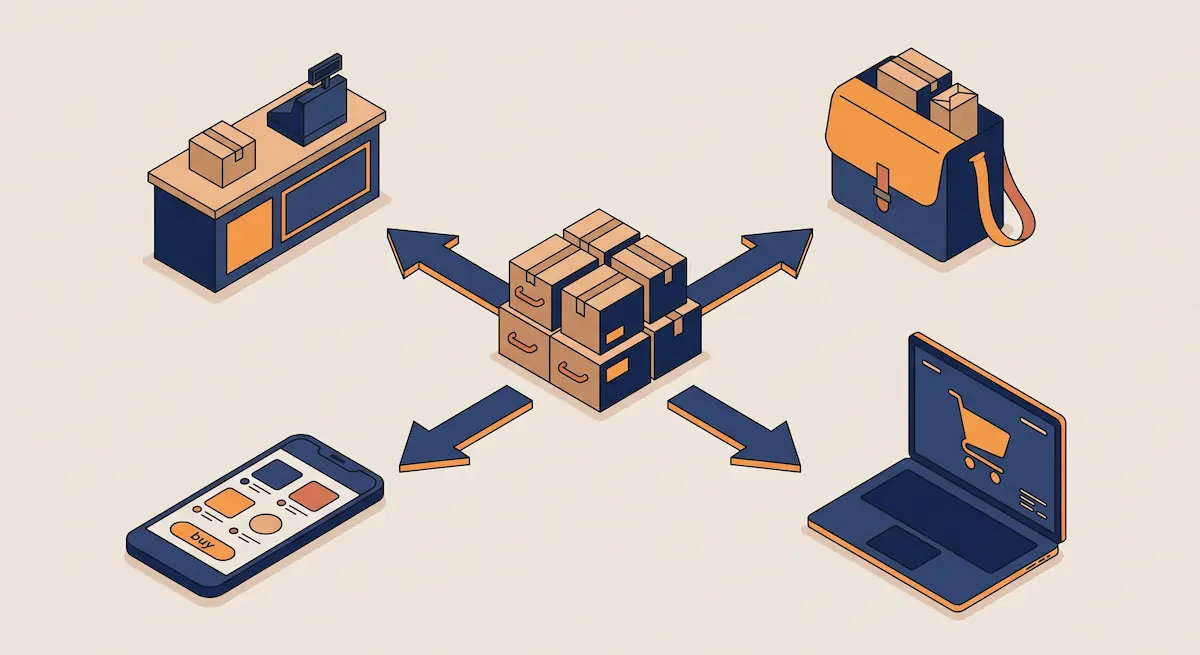
An omnichannel POS solves this through real-time stock synchronisation:
Every in-store sale instantly decrements stock
Connected delivery platforms (Uber Eats, Deliveroo, Just Eat, DoorDash) and your webshop reflect the change within seconds
Items below threshold are auto-hidden or marked as sold out across all channels
You can ring-fence stock per channel (for example, 20 portions reserved for Uber Eats, 30 for the dining room)
The result: fewer cancellations, better customer reviews, and higher rankings on the platforms that drive your online demand.
Integrating With Food Delivery Platforms
For restaurants, cafes, and dark kitchens, food delivery integrations are the core of any omnichannel setup. In the UK, Western Europe, and the US the main players are Uber Eats, Deliveroo, Just Eat (and its Just Eat Takeaway / Grubhub network in different regions), and DoorDash. A typical busy restaurant runs on two or three of these simultaneously and processes hundreds of digital orders per day.
Replacing the Tablet Wall
The legacy way: each platform ships its own tablet. You end up with three or four tablets bolted to the kitchen wall, each beeping independently. Staff manually rekey orders into the till. Mistakes pile up, training new starters takes days, and end-of-day reconciliation is a nightmare.
An omnichannel POS replaces the tablet wall with a single flow:
The Uber Eats order lands directly in the POS
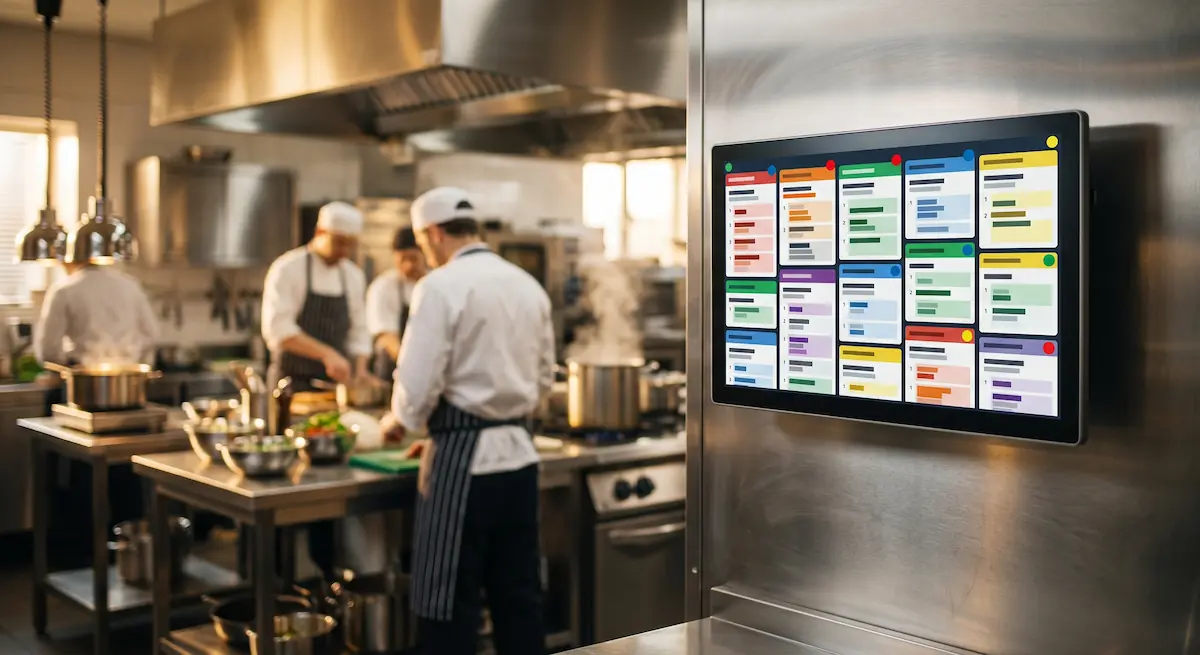
The kitchen display system (KDS) shows the order with a colour code or label indicating the source platform
Stock and price are auto-synced with the platform
End-of-day reports show every channel side by side in one view
Pricing and Promotions Per Channel
Delivery platforms charge commissions of roughly 15–30%. Most operators run different price lists per channel — a £10 menu in-store can be £12 on Deliveroo to absorb the commission. Maintaining this manually is painful: one price change means four updates in four dashboards.
With an omnichannel POS you can:
Define a separate price profile for each platform
Push a price increase to all channels with a single click
Pull margin reports per platform (gross sales vs. commission vs. food cost)
Configure promotions (BOGO, percentage off, voucher codes) from one place
Surviving the Friday Night Rush
Friday 7–9pm is the make-or-break window. The dining room is full, Uber Eats is firing an order every two minutes, and a Deliveroo rider is waiting at the door. The single most valuable feature in this scenario is dynamic order throttling:
Switch a platform to "busy mode" for fifteen minutes when the kitchen is overloaded
Hide your slowest-prep items from delivery channels during peak service
Automatically extend prep times so the rider ETA stays realistic and cancellations drop
E-commerce and Marketplace Integrations
Beyond food delivery, packaged-goods operators — speciality coffee shops, delis, gift shops, retail-leaning hybrids — benefit from connecting their POS to e-commerce marketplaces as well. A boutique coffee roaster might sell beans over the counter while also listing them on Amazon, eBay, Etsy, and a Shopify storefront.
An omnichannel POS lets you:
Aggregate orders from Amazon, eBay, Etsy, and your own webshop in one inbox
Sell from the same physical stock across all of them
Print shipping labels automatically and book pickups with your carrier of choice
Combine in-store, marketplace, and webshop revenue in one report
The win here is not just operational. Your product catalogue lives in one place, which means listings get published faster and stay consistent across every channel.
Automated Invoicing for VAT Compliance
Across the UK and EU, digital invoicing is moving from optional to mandatory. The UK's Making Tax Digital regime requires VAT-registered businesses to keep digital records and submit returns via compatible software. The EU is rolling out structured e-invoicing for B2B transactions through frameworks such as Peppol, with mandates landing in several member states between 2025 and 2028.

A POS with built-in invoicing automates the heavy lifting:
Every sale across in-store and online channels generates a compliant digital invoice
VAT is calculated automatically per item line and per country if you operate across borders
B2B customers receive structured invoices (Peppol, Factur-X) suitable for their accounting systems
Refunds and returns flow straight into bookkeeping without rekeying
Period-end VAT reports are pre-built and exportable to your accountant or MTD-compatible software
For a small-to-medium restaurant or shop, this typically saves 15–20 hours of monthly admin that used to be spent reconciling receipts and platform statements.
What Omnichannel Actually Saves You
Measured impact across typical operators after moving to a unified POS:
Metric | Before | After Omnichannel |
|---|---|---|
Stock shrinkage / waste | 5–8% | 1–2% |
Delivery order cancellations | 4–7% | 0.5–1.5% |
Orders processed per staff hour | 25–35 | 50–70 |
Monthly reporting time | 12–16 hours | 1–2 hours |
Order-error complaints | 8–12 / week | 1–2 / week |
These numbers vary by venue type, but the direction is always the same: less loss, more speed, and decision-grade data.
Moving to Kardo POS
Kardo POS is built from the ground up around omnichannel. Integrations with major delivery platforms, marketplaces (Amazon, eBay, Etsy, Shopify, WooCommerce), and digital invoicing standards are available out of the box. There is no separate connector to buy and no per-channel licence creep.
A typical migration takes 3–7 working days:
Your product catalogue is imported from your existing system (CSV or API)
Platform connections are authorised
Stock and pricing profiles are configured
Staff complete a short training session
The old system runs in parallel for 1–2 days, then is switched off
Frequently Asked Questions
How many platforms can I connect at once?
There is no hard limit. You can run every major food delivery platform alongside your marketplace and webshop integrations simultaneously. Catalogue, stock, and pricing stay in sync across all of them.
Do I need a separate invoicing tool?
No. Digital invoicing is built into the POS and supports the formats required across the UK and EU, including Peppol for cross-border B2B. If you already have an accountant or accounting platform, the data exports cleanly to them.
Can I set different stock levels per platform?
Yes. Each product can carry separate reservations for the dining room, Uber Eats, Deliveroo, and so on. A sudden rush on one channel will not silently sell through stock you wanted to protect for another.
Do I have to throw away my delivery tablets?
Not immediately. Most operators stop using them within a few weeks because every order already lands in the POS and prints from the kitchen automatically. The tablets stay around as a backup but rarely get touched.