
Multi-Branch Staff and Inventory Management: A Complete POS Guide
July 22, 2026
Multi-branch staff and inventory management is the daily practice of running a business with several locations from a single POS system: knowing who is working at which branch, what is in stock where, and how each branch is performing. The day you open a second location, the arithmetic changes: you no longer run "the shop" but several connected shops at once, and you can't keep your eyes on all of them.
In a single branch you see everything yourself: who's late, which shelf is empty, how the till is doing. At the second and third branch that natural visibility disappears. The essence of multi-branch management is giving that lost visibility back to you through the system — and it has two legs: staff and stock.
Multi-Branch Management: The System Is Built — the Hard Part Is Daily Operation
The technical foundation of a multi-branch business — cloud-based central POS, branch synchronization, single-panel product and price management, scalability — is a separate topic and won't be repeated here; we covered the decision to build that central POS architecture in detail in another article. The assumption here is that the system is already in place. The real issue is the decisions made on top of it every day.
Because multi-branch businesses don't sink on architecture — they sink on operation. While cloud sync runs flawlessly, one branch opens with no staff, another sells out of its bestseller by noon, and a third bleeds waste that nobody notices. This guide is about exactly that daily reality: managing the balance of staff and stock across branches.
Who's Working Where? Staff Visibility Across Branches
The first question of multi-branch management is the one that looks simplest: who is at which branch right now? In a single shop the question is meaningless — you just look around. Across three branches, only the system can answer it.
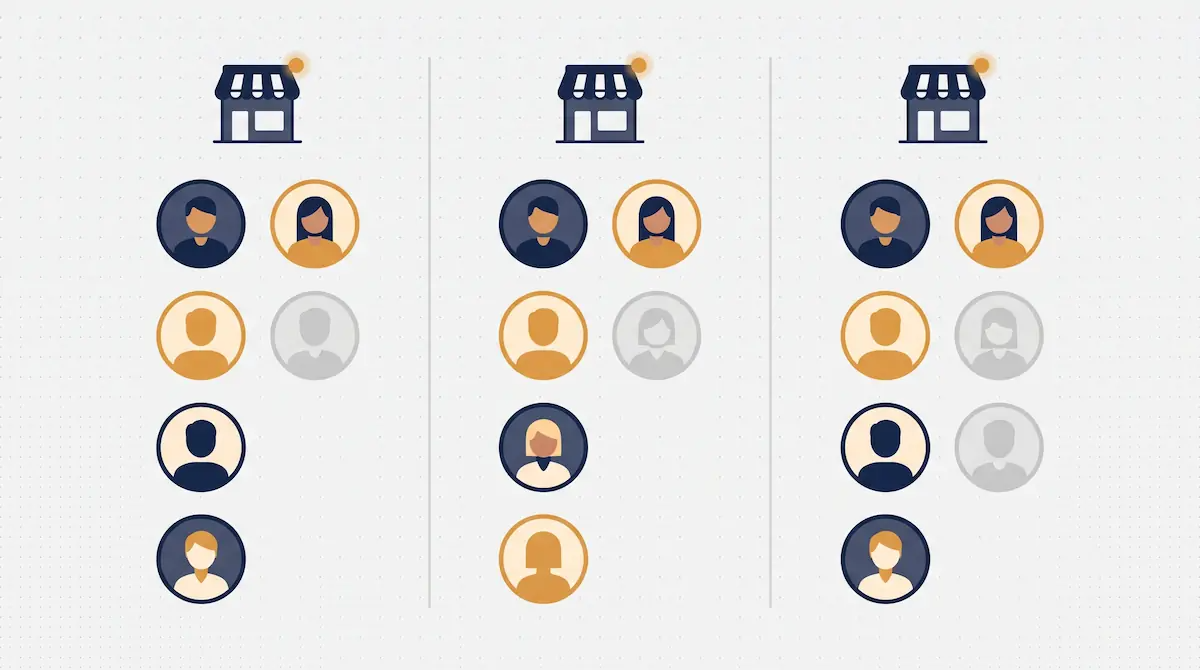
An integrated POS shows each branch's current staffing on one screen: how many people have clocked in at which branch, who hasn't arrived, who's on break, who has closed their shift. How clock-in/out and break records are captured through the POS — staff starting their shift by scanning a code, breaks logged separately — we covered in detail in our article on staff tracking; what matters here is that this data is visible broken down by branch.
The practical value of this visibility shows up at 8 a.m.: the manager at head office sees from a phone that the opening staff at one of three branches hasn't clocked in, and steps in before the shop stays shut. Without that visibility, the same fact is only learned when a customer photographs the locked door and posts it on social media.
Multi-Branch Work and Staff Rotation
As a chain grows, staff aren't pinned to a single branch. A cashier might work the central branch on weekdays and the mall branch on weekends; a baker might be shared between two locations. This flexibility is the chain's strength, but without recording discipline it turns into cost chaos.
In an integrated system a staff member can be defined across several branches. Wherever the person clocks in, their hours are booked to that branch's day; at month end their total working hours merge from every branch into one payroll, while each branch's labor cost stays on its own books. That way "how many hours did this person work this month" and "how much labor cost did this branch carry this month" are both answered correctly at the same time.
Rotation's second benefit is cover. When a branch loses someone to illness, the manager can see from the system which staff are free that day and authorized to work at that branch, and shift them across. When it's already defined who can work where, an open shift is closed in minutes.
Multi-Branch Shift Planning and Closing Gaps
Planning shifts for one branch is a scheduling task; across branches it's a coverage problem. Every branch needs enough people in every time slot, nobody should appear at two branches at once, and total staff hours must not blow the budget.
An integrated POS merges every branch's shift schedule into one calendar. The manager sees at a glance that the mall branch is two people short at Saturday noon while the central branch is overstaffed at the same hour, and rebalances. Planned shifts go to staff as notifications; when a change is made, the person is informed instantly.
The critical signals are the open shift and the coverage gap: the system warns in advance of any time slot that will be left unstaffed at any branch. That warning lets you see the "nobody on Sunday morning" reality on Friday, not on Sunday morning.
Per-Branch Stock Health and Shortage Alerts
Staff is the chain's human balance; stock is its product balance. In a multi-branch business the biggest stock trap is the average: 300 packs of coffee across the chain does not mean every branch has enough coffee. One branch might hold 250 and another just 5.
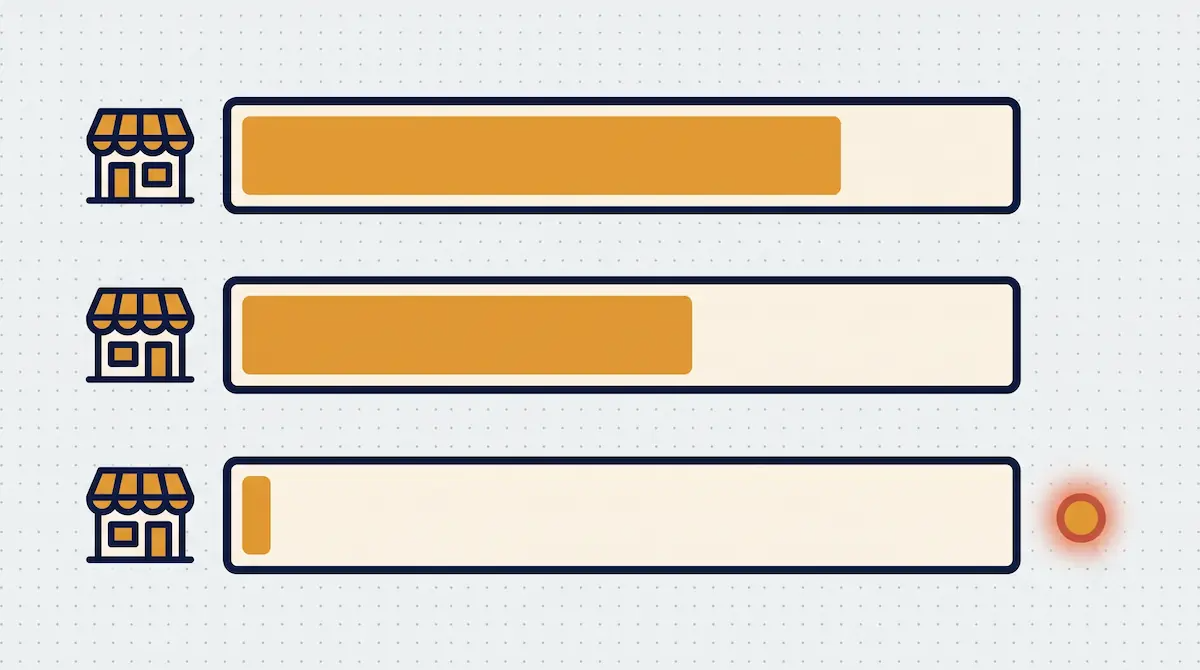
So in a multi-branch system the minimum stock threshold is defined per branch. Each branch carries its own threshold based on its own sales pace; when a product drops below that branch's threshold, the alert rises only for that branch and head office. The manager answers "what's about to run out where" from a single health screen, without calling each branch separately.
Branch stock health is also read together with sales. If a product at one branch is both selling fast and running low, it's high priority; a slow-selling, overstocked product calls for a different decision. The goal is to leave neither capital tied up in surplus nor sales lost to an empty shelf at any branch.
Central Stock and Inter-Branch Transfers: A Balancing Decision
Once you can see per-branch stock health, the next step is to restore balance. There are two sources here: the central warehouse and the other branches.
The central warehouse is the chain's main stock pool; bulk purchasing from suppliers enters here, and branches are fed from it. An integrated POS holds the central warehouse and every branch's stock in the same system, so "what do we have in total, and where is it" is visible from one panel. Reordering is decided on the chain's total need, not on scattered branch-by-branch guesses.
The inter-branch transfer, in the focus of this guide, is not a mechanic but a balancing decision. A product that's surplus at one branch and short at another can be shifted without waiting for a new order. The decision question is: is it faster and cheaper to send from the central warehouse, or to transfer from a nearby, overstocked branch? Because the integrated system shows the current state of both sources, this call is made on data, not on a hunch. When a transfer happens, the product leaves the sending branch and enters the receiving one; the chain's total stock is unchanged, but the balance falls into place.
The value of this approach is that it activates idle stock. A product nearing the end of its shelf life at one branch, or simply not selling at that location, is shifted to a branch that needs it — preventing waste and avoiding the cost of a new purchase at the same time.
Comparative Branch Reports: Profit-and-Loss and Benchmarks
The greatest strength of multi-branch management is being able to use branches as a yardstick against each other. In a single shop the question "are we doing well" has no reference point; across branches, each one is the other's benchmark.
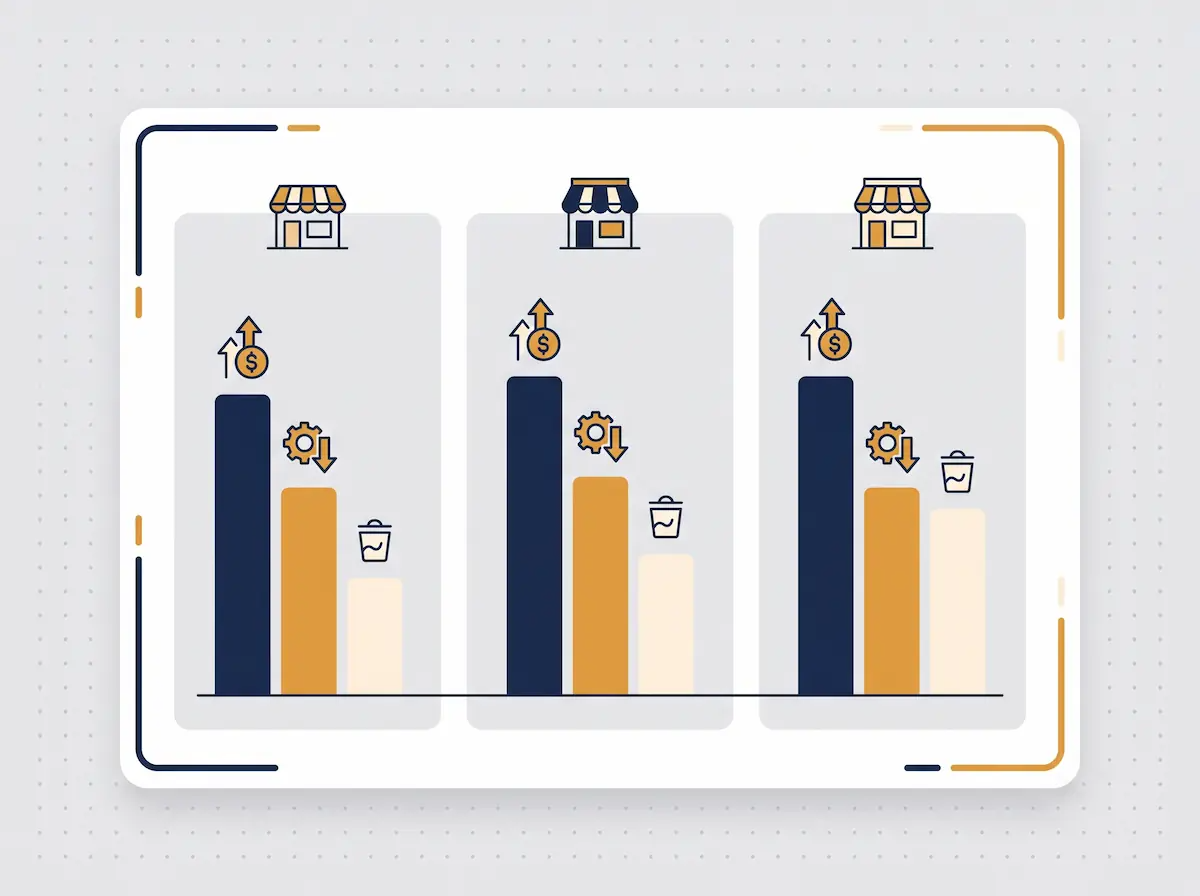
An integrated POS lines up every branch on the same metrics. A comparative profit-and-loss table shows each branch's revenue, labor cost, stock/waste loss, and net result on one screen. That answers critical questions like "is the top-selling branch actually the most profitable one" — because high revenue can melt away under high labor cost and waste.
The benchmark logic unites staff and stock. When metrics like revenue per employee, labor cost as a share of revenue, and waste rate are compared across branches, the best branch becomes a standard. If one branch deviates clearly from the others — say its waste rate is double, or its revenue per employee is half — that's the sign of an operational problem specific to that branch, and it gets examined precisely.
Live Operation Monitoring and Practical Chain-Management Tips
Reports tell the past; live monitoring tells the now. Because a multi-branch owner can't be physically present at every branch, they need to see the chain live from a tablet or phone: which branches are open, real-time revenue, who's clocked in, the state of the tills. This isn't for micromanagement but for catching deviation early — if a branch's midday revenue is half its usual, the intervention that saves the day is made by noticing at noon, not in the evening report.
A few practical principles for successful chain management:
One standard, applied at the branch: Product, price, and process standards come from the center, but the flexibility of the daily decision must stay at the branch. Over-centralization makes the branch manager passive.
Give the branch manager their own dashboard: Every manager should see their branch's live data, not just the center. Ownership starts with visibility.
Compare, but keep the context: Holding a mall branch and a neighborhood branch to the same target is misleading; benchmark among similar branches.
Tie alerts to action: Every shortage or open-shift alert needs an owner and a standard response time, or the alert turns into noise.
Set a weekly branch rhythm: Review the comparative report on a fixed weekly cadence; talk to the deviating branch, hold up the strong one as an example.
Common Mistakes
Looking at total stock and missing the branch balance: A product that looks plentiful in the chain total may be sold out at individual branches. Health must always be read per branch.
Locking staff to a single branch: Without multi-branch work and rotation defined, open shifts can't be covered and the chain loses its flexibility.
Putting all branches in one basket: A different location means a different customer profile; benchmarking without context brands the wrong branch as "bad."
Piling alerts onto the center: If every notification lands only at head office, the branch takes no ownership; alerts should also reach the relevant branch.
Giving live data only to the owner: When branch managers can't see their own data, they can't fix daily operations; visibility must be shared.
Frequently Asked Questions
Do I need a separate program for multi-branch staff and stock management?
No. The same POS system manages both staff and stock broken down by branch. If branches are defined in one central system, staff visibility, stock health, and comparative reports all flow from the same panel; no separate software is needed.
How does one staff member work across several branches?
The person is defined as authorized at more than one branch in the system. Wherever they clock in, their hours are booked to that branch; their total working hours merge from all branches into one payroll at month end, while each branch's labor cost stays on its own account.
When does an inter-branch transfer make sense versus placing a new order?
When a product is surplus at one branch and short at another and the distance is reasonable, a transfer is faster and cheaper — and it especially activates stock nearing the end of its shelf life. When a product is running low across all branches at once, a transfer only breaks the balance; the right call is a bulk new order to the central warehouse.
How do I see which branch is more profitable?
The comparative profit-and-loss report shows each branch's revenue, labor cost, stock/waste loss, and net result side by side. The top-selling branch may not be the most profitable one because of high labor cost or waste; the net result reveals it.
Multi-Branch Staff and Stock Management with Kardo POS
In Kardo POS, each branch is not an island but part of the same chain. Staff visibility, per-branch stock health, inter-branch transfers, and comparative reports come together in one panel; you monitor the chain live from the office or from your phone. Our aim is to give you back — through the system — the natural visibility you lost with the second branch.
If you'd like to see how to manage the balance of staff and stock across a two-, five-, or ten-branch operation from a single screen, you can try it with your own branch structure in a Kardo POS demo. Our goal is to let you answer "what's where, and who's where" every morning with data rather than guesswork.