Modern POS vs Traditional Cash Register: 2026 Buyer's Guide
May 14, 2026
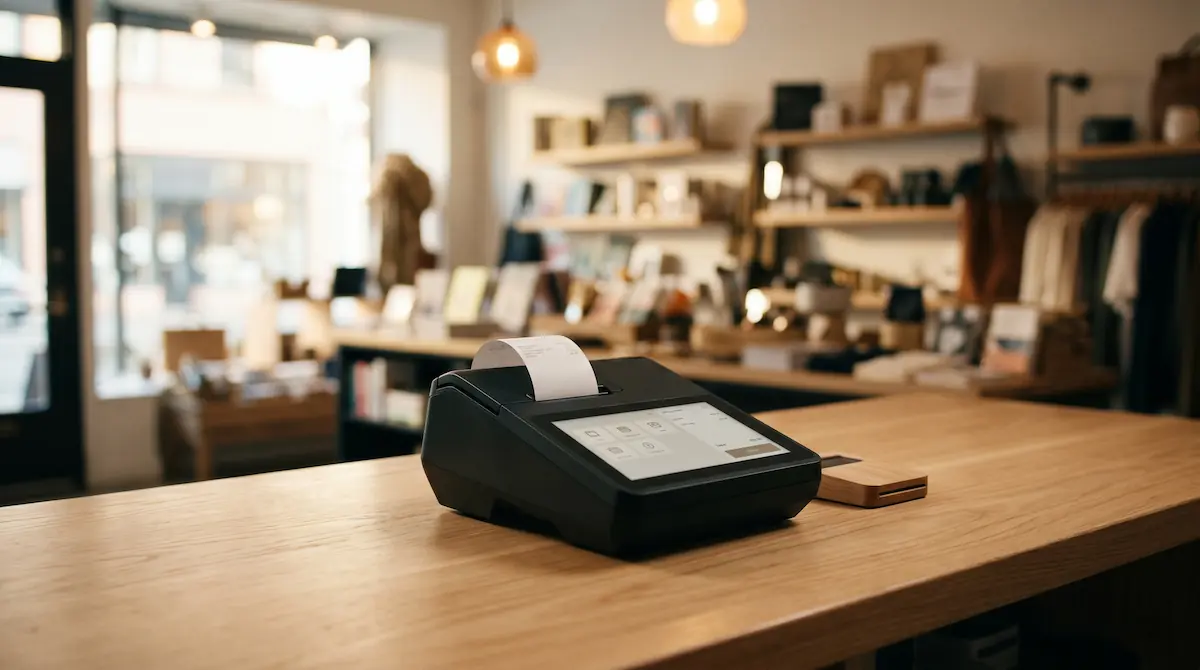
A modern POS (point-of-sale) system is a software-driven sales terminal that combines payment processing, receipt printing, inventory tracking, and reporting in one connected device — replacing the standalone cash registers and isolated card readers of the past. Today's POS systems run on tablets, all-in-one terminals, or handheld devices and sync data to the cloud in real time.
What Is a Modern POS System?
A traditional cash register's job is narrow: open a drawer, calculate change, and print a paper tape. A modern POS is built around software. The same device that takes payment also tracks which item sold, updates stock counts, links to your online store, captures customer details, and produces reports you can read from your phone.
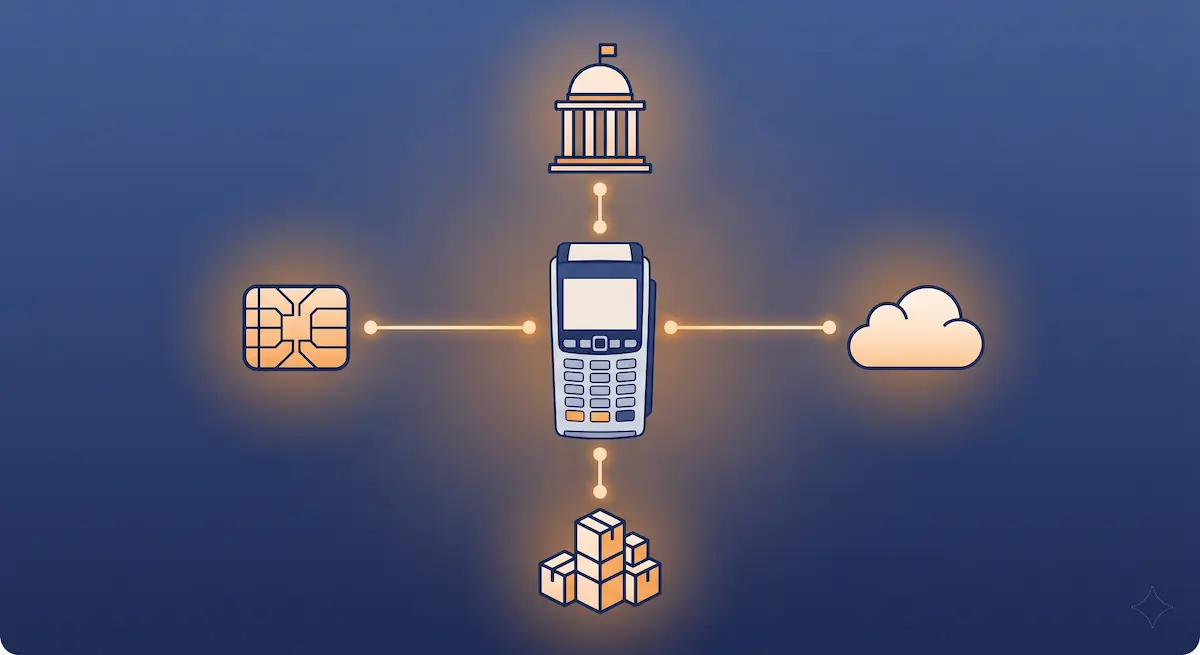
The shift from "cash register" to "POS" is less about hardware than about the data flowing through it. A modern POS becomes the operational hub of a small business — every other tool (accounting, e-commerce, inventory, marketing) plugs into it.
Traditional Cash Register vs Modern POS
The two devices may both print a receipt at the end of a sale, but everything around that sale is different.
Feature | Traditional Cash Register | Modern POS |
|---|---|---|
Core function | Tally and print | Sell, track, report |
Inventory tracking | Manual or none | Real-time, automatic |
Payment methods | Cash mostly, separate card reader | Integrated card, contactless, mobile wallet |
Reporting | End-of-day paper tape | Cloud dashboard, mobile access |
Multi-location | One register per store, no sync | Centralized data across all sites |
Online store sync | None | Native or via integration |
Software updates | Manual or none | Automatic, remote |
Customer profiles | Not supported | Built-in (loyalty, history) |
Setup cost | Lower upfront | Subscription or higher upfront, lower ops cost |
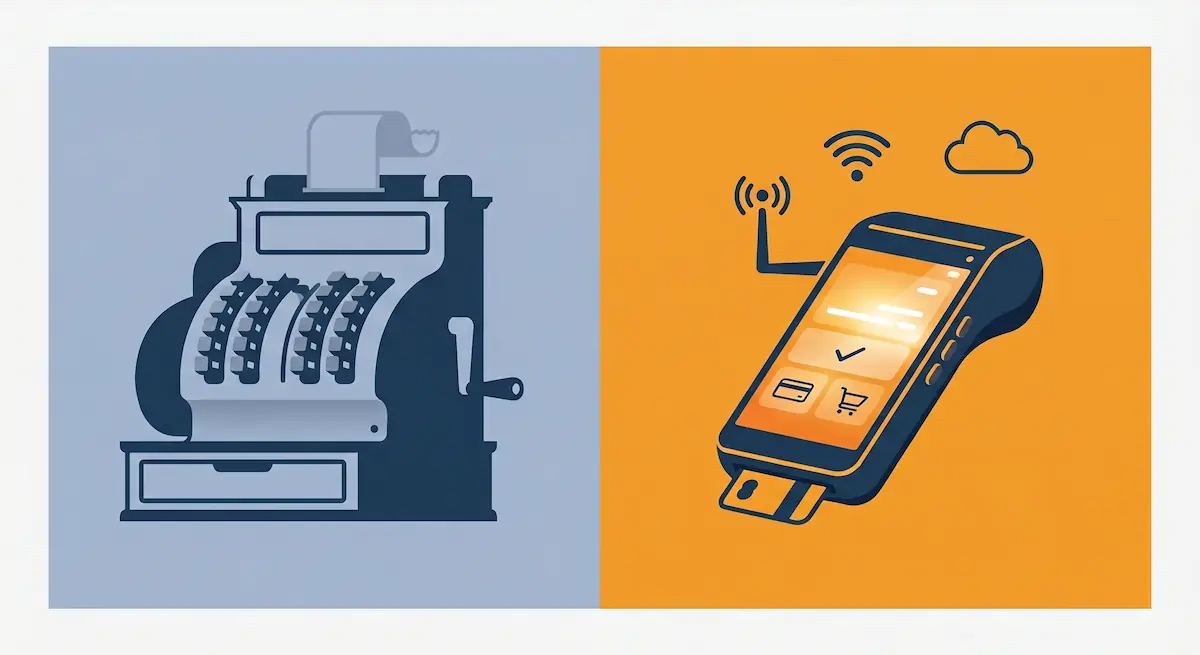
In practice the differences add up. A cash register lets you close the day. A modern POS lets you ask questions: which products move on which days, which staff member upsells best, when do you run out of stock. That data turns a store from a place that processes sales into a business you can manage.
Types of Modern POS Systems
All modern POS systems share the same logic, but the hardware shape changes based on how you sell.
Cloud / Tablet POS
A standard iPad or Android tablet running POS software, paired with a card reader, receipt printer, and cash drawer. Lightweight, fast to set up, easy to replace if a device fails. Suits cafés, small retail, pop-ups, and service businesses. The downside is that you depend on a stable internet connection and tablet hardware that needs replacing every few years.
All-in-One Countertop POS
A purpose-built terminal with built-in screen, printer, card reader, and sometimes a customer-facing display. More durable than a tablet, designed for full-day high-volume use. Best for restaurants, busy retail, and businesses that want a single piece of hardware on the counter instead of a tablet sandwich.
Handheld / Mobile POS
Pocket-sized devices that take payments anywhere — at the table, on a delivery route, at an outdoor market. Modern handhelds include the printer, card reader, and a small touchscreen in one unit. Essential for restaurants doing pay-at-table, food trucks, mobile services, and event-based sales.
The right choice rarely comes down to price. It comes down to where the transaction happens. Map your typical sale before you pick a device.
When Should You Upgrade?
Most businesses know they need to upgrade well before they actually do. The traditional register keeps working, so the decision gets postponed. These are the signals that say "now":
Inventory becomes a guessing game. You order too much or run out without warning, because nothing automatically tracks what's been sold.
You're paying staff to do data entry. Receipts get re-typed into a spreadsheet or accounting tool every week.
You've opened (or are opening) a second location. Without a centralized POS, each store becomes its own island of data.
Customers ask for payment methods you can't accept. Contactless, mobile wallets, BNPL — these aren't optional anymore.
You sell online. Without integration, stock counts diverge between the website and the store within days.
You can't answer simple questions. "What was our best product last month?" "Which day is slowest?" If pulling those answers takes hours, the data lives in the wrong system.
Few businesses hit all six at once, but two or three is usually enough to make the upgrade pay for itself within a year.
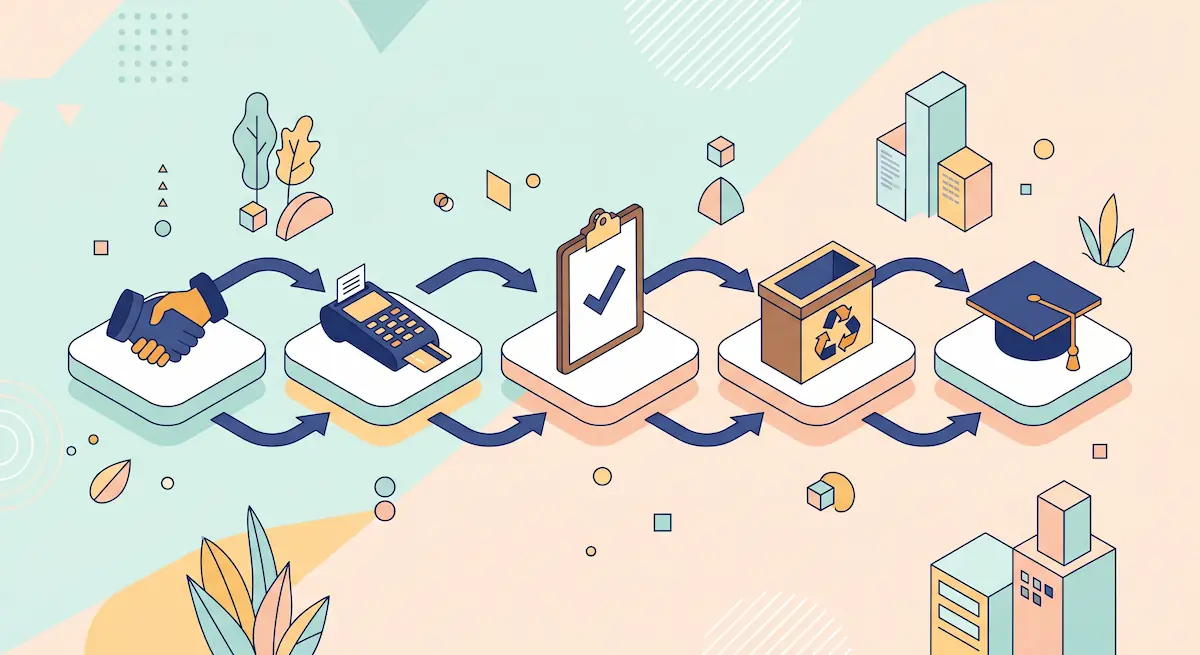
How to Choose and Switch to a Modern POS: Step-by-Step
A bad POS rollout disrupts sales for weeks. A good one is invisible to customers. The difference is process, not budget.
1. Map Your Needs Before You Look at Vendors
List your transaction patterns: average tickets per day, peak hours, payment methods, products or menu items, number of staff, online sales. A POS that's right for a 30-table restaurant is wrong for a single-counter coffee shop.
2. Compare Three Vendors, Not Ten
After two or three demos you'll see the same feature list. Beyond that, vendors blur. Focus on hardware quality, contract terms, transaction fees, integrations you actually need, and the quality of the support team — not the longest feature list.
3. Run a Real Pilot
Put the new POS on one register or one shift before rolling it out. Real customers, real volume. Most issues only surface under live conditions: slow card processing, awkward menu layouts, gaps in staff training.
4. Migrate Your Data Carefully
Product catalogue, prices, tax rates, customer list, gift cards, loyalty points. Get this clean before launch day. The number one reason businesses regret a POS switch is bad data import.
5. Train Staff and Document Workarounds
A 30-minute demo isn't training. Run hands-on sessions, document the three or four edge cases that trip people up (refunds, voids, end-of-day), and keep a one-page cheat sheet near each register for the first month.
Benefits of a Modern POS
Past the basics, a modern POS earns its keep through the quiet wins.
Real-time inventory. Stock counts move the moment a sale closes; no more weekly recounts.
Faster checkout. Integrated payment cuts the average sale by 5-10 seconds — meaningful at peak hours.
One source of truth across locations. Open a second site without spinning up a parallel system.
Built-in reporting. Daily, weekly, monthly views without exporting anything.
Customer profiles and loyalty. Reward repeat buyers without a separate punch card.
Cleaner books. Sales data flows directly into accounting software, ending hours of manual reconciliation.
Lower fraud risk. Every refund, void, and discount is logged with timestamp and operator.
Individually these gains look small. Combined, most businesses recover several staff-hours a week — the equivalent of a part-time hire.
Common Mistakes When Switching
The patterns that derail rollouts are predictable:
Choosing on price alone. A cheap POS with a 30% annual transaction fee is more expensive than a premium one with flat pricing.
Skipping the pilot. Going live in all locations on day one multiplies every small bug into a crisis.
Underestimating training. Staff who don't trust the new system will revert to workarounds (writing things down, splitting tickets on paper) that corrupt the data.
Ignoring integrations until later. If your accounting, e-commerce, or loyalty tool doesn't connect to the new POS, you'll keep doing manual exports forever.
Letting the vendor own your data. Confirm before signing how to export your sales history if you ever switch providers.
Frequently Asked Questions
Do I still need a cash register in 2026?
For all but the smallest cash-only businesses, no. A modern POS does everything a cash register does plus inventory, payments, and reporting in one device. New retail and hospitality businesses overwhelmingly start with a POS, not a register.
What's the difference between a POS and a cash register?
A cash register processes the transaction. A POS processes the transaction and records what was sold, updates inventory, accepts multiple payment methods, syncs with online channels, and produces reports. The cash register is hardware; the POS is software with hardware attached.
How much does a modern POS cost?
Budgets vary widely. Tablet-based cloud POS systems typically run a monthly subscription per terminal plus card-processing fees. All-in-one terminals can be bought outright or financed. Total cost of ownership over three years is what matters — not the sticker price on day one.
Can I use a tablet as a POS?
Yes. Tablet POS is the most common setup for small retail and hospitality. You'll need a tablet, a payment reader, a receipt printer, and a cash drawer — paired with POS software. Total hardware cost is often less than a single dedicated terminal.
Is cloud POS safe?
Cloud POS providers encrypt data in transit and at rest, run PCI-compliant payment flows, and maintain backups on your behalf. In most cases, cloud POS is safer than a local-only system that depends on a single hard drive in the back office.
What happens if my POS goes offline?
Reputable modern POS systems offer offline mode: sales continue to be recorded on the device and sync once the connection returns. Payment processing during an outage depends on the card reader and the network — some readers can pre-authorize and complete the transaction later.
Conclusion
A modern POS isn't just a fancier cash register — it's the system that turns the daily sales activity of a business into data you can manage, plan, and grow with. Picking the right type, sizing it to your real workflow, and running a careful switch makes the difference between an upgrade that pays for itself and one that costs months of headaches.
If you're weighing options, the Kardo POS team can help you map your needs to the right setup and avoid the common pitfalls — book a no-pressure consultation when you're ready.