Why Choose an All-in-One POS System? Cost and Efficiency Analysis
August 5, 2026
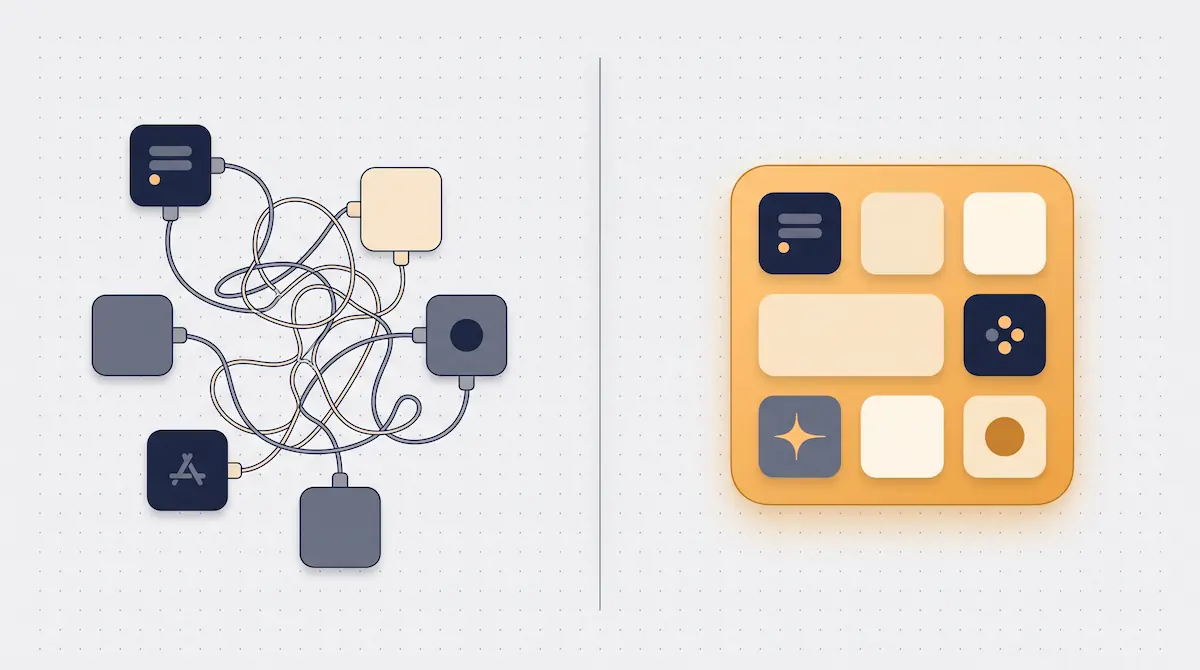
As a business grows, it usually acquires software piece by piece: first a sales program, then a separate stock tool, then another app for staff tracking, and finally one more for bookkeeping. Each does its job alone, but together they force the business to feed, update, and connect four separate systems at once. The promise of an all-in-one POS is exactly to end that fragmentation.
This article covers the hidden cost of a patchwork software stack, what an all-in-one system actually includes, the total cost of ownership (TCO) difference, and when this approach is the right call — and when it's overkill.
The Patchwork Software Stack: The Reality Nobody Notices
Most owners don't see "I use several programs" as a problem; each tool does its job. The problem isn't the individual performance of the tools — it's the gap between them. When the sales program sells a product, the stock tool needs to know about it; the sales commission in the staff app has to match the expense entry in bookkeeping. When those links aren't built, each system keeps its own "truth," and the business can't tell which screen holds reality.
The cost of a patchwork stack is usually small item by item but large in total: entering the same data in several places, reconciling systems by hand, updating one product's price in four places, investigating at month end why the numbers don't match. None of this generates revenue; all of it consumes time and attention.
The Hidden Cost of Separate Software
The visible cost of separate software is the license fee; the real cost sits in the invisible items. The total burden of four separate systems is usually far above the sum of four license fees.
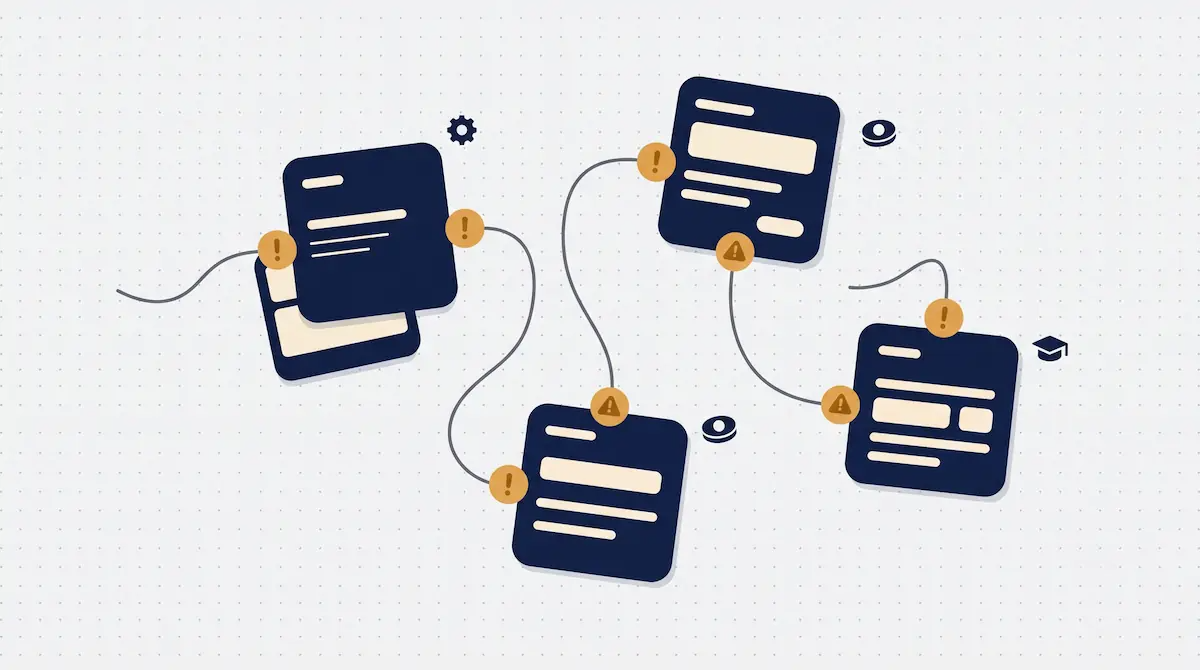
The hidden cost items of a patchwork setup are:
Integration: Getting two systems to talk usually needs an extra integration, middleware, or a consultant. Every new link is a separate setup and ongoing maintenance.
Maintenance and updates: Each program updates on its own schedule. An update in one can break its link to another; keeping them compatible takes constant effort.
Training: Staff have to learn four separate interfaces. Every new hire lengthens onboarding and raises the chance of error.
Data mismatch: The same product, customer, or employee is defined differently across systems. That inconsistency leaks into reports and misleads decisions.
Scattered support: When something breaks, it's unclear which vendor is responsible; systems blame each other and the business is left in the middle.
These items never appear as a single line on an invoice; they're a cost spread through daily operations, leaking continuously. The value of the all-in-one approach is precisely that it seals this leak.
What Does an All-in-One POS Include?
An all-in-one POS unites a business's core operational software on a single platform. It typically covers four main areas, each working on the same data:
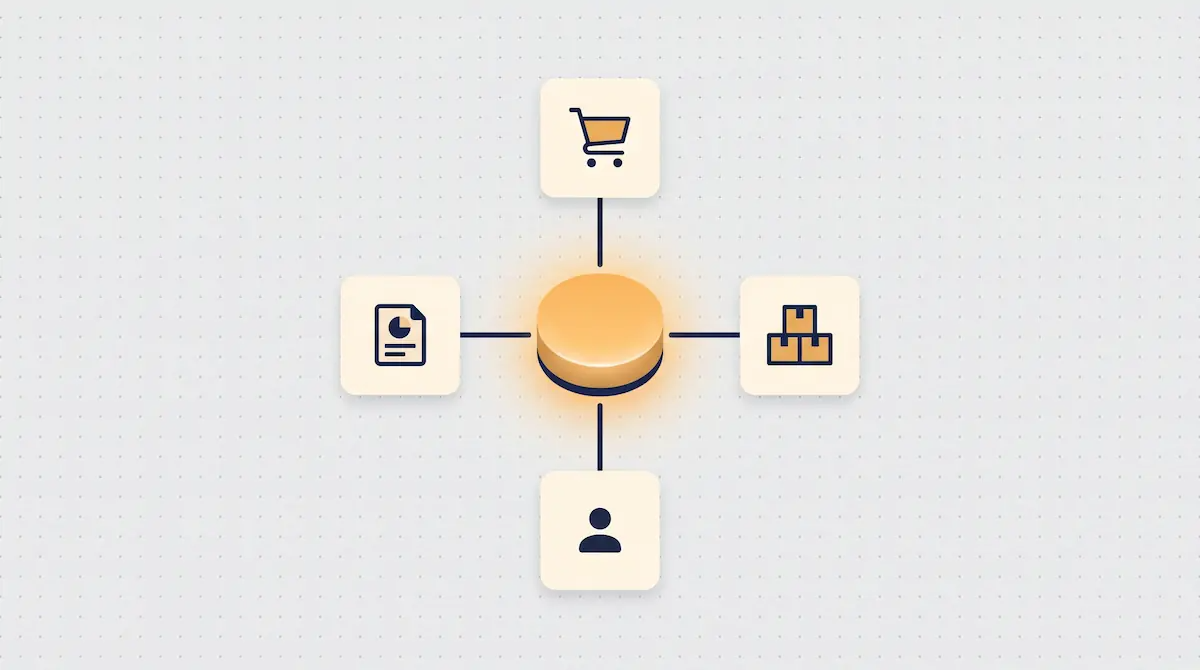
Sales: The till, payment methods, receipts/invoices, promotions, and returns.
Stock and inventory: Real-time deduction, low-stock alerts, supplier orders; for production businesses, recipe and shelf-life tracking.
Staff: Clock-in/out, shift planning, permission levels, and sales performance.
Bookkeeping: Cash flow, e-invoicing, supplier/customer accounts, and income-expense and profit-loss.
Each of these areas is a software topic in its own right; we've covered inventory management, staff tracking, and POS-based bookkeeping in detail in separate articles. The difference of the all-in-one approach is that it presents these four areas not as separate islands but as four views of the same data. When a sale is made, stock drops, the commission posts to the staff record, and the income flows into bookkeeping — all in one transaction, with no extra integration.
Data Consistency: One Source, One Truth
The biggest technical advantage of an all-in-one system is the single-source-of-truth principle. A product, a customer, or an employee is defined once in the system, and every module uses the same definition. This fixes the sneakiest problem of the patchwork stack at the root — the same thing looking different in different places.
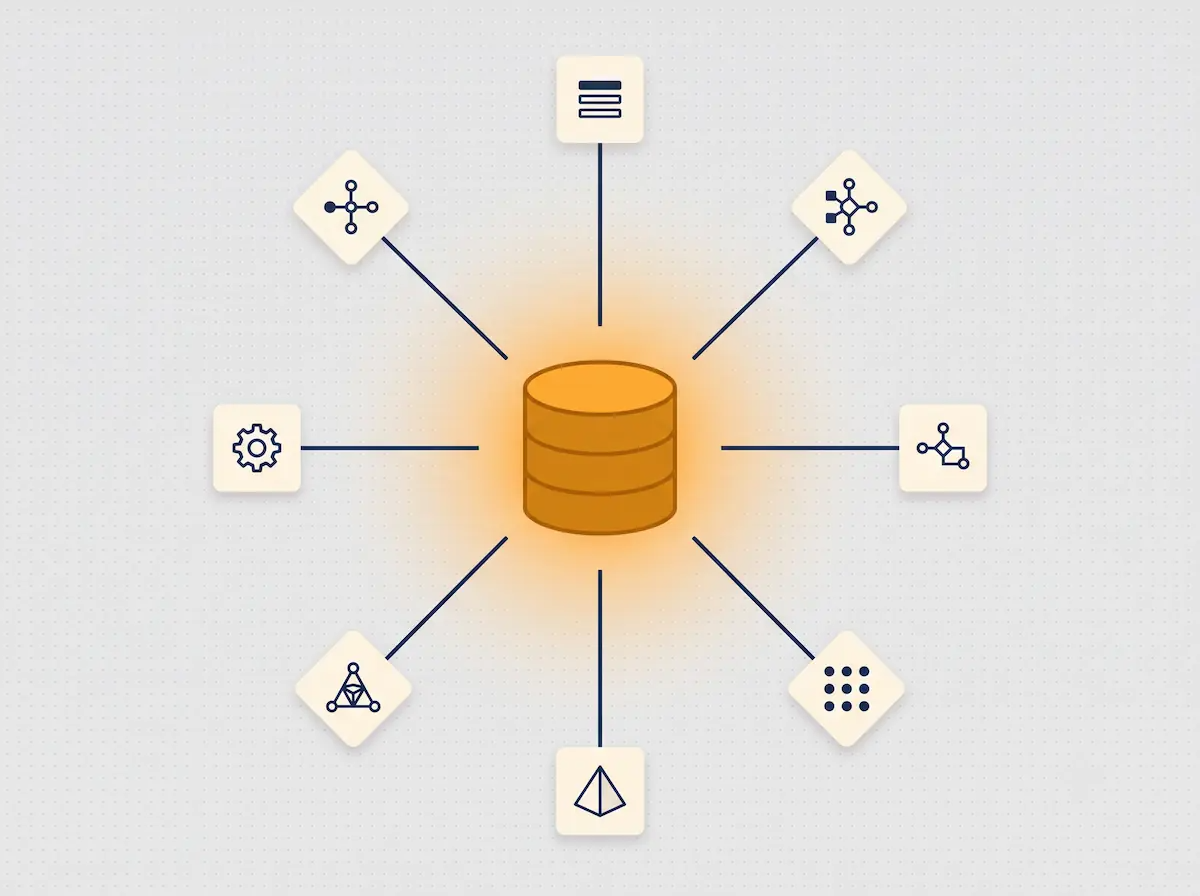
The practical gains of a single source are felt immediately in daily operations. When a product's price changes, it's updated in one place and flows everywhere at once — from the sale to the invoice, from the report to the account. There's no need to reconcile systems at month end, because there is already only one truth. Reports become trustworthy too: since sales, stock, staff, and finance data all come from the same source, the "which number is right" debate disappears.
This consistency directly affects decision speed. Instead of mentally stitching together figures pulled from different screens, the owner decides by looking at one coherent picture.
Total Cost of Ownership (TCO): Separate Software vs. All-in-One
Judging a software decision on the monthly license alone is misleading. The right measure is total cost of ownership (TCO): the full cost of acquiring, setting up, running, and maintaining the system. The comparison below places the TCO items of the two approaches side by side, conceptually.
Cost item | Separate Software | All-in-One POS |
|---|---|---|
License / subscription | Separate for each program | One platform, one subscription |
Integration | Extra cost and upkeep per link | Modules built in, no integration |
Setup and setup time | Each system installed separately | Single setup |
Training | Staff learn each interface separately | One interface, short learning curve |
Maintenance / updates | Each vendor's own schedule, compatibility risk | Central, compatible updates |
Data consistency | Manual reconciliation, mismatch risk | Single source, automatic consistency |
Support | Multiple vendors, unclear responsibility | One point of contact |
The summary of the table: separate software can look cheap as an entry cost, but over time the integration, maintenance, and effort items quietly pull the total up. In an all-in-one POS these items either disappear or are gathered under one roof. That's why the real comparison should be based not on the first invoice but on the three-year total cost of ownership.
Training and Ease of Use
The cost of software isn't measured in money alone; how fast and accurately staff use it is also a cost. Four separate interfaces mean four separate logics and four separate "how do I do this." When a new cashier starts, they have to learn the sales screen, stock entry, shift logging, and invoicing separately across different systems.
In an all-in-one system the learning curve happens once. Because the same interface logic runs across all modules, once staff learn one area they adapt quickly to the next. This is a real advantage especially in retail and F&B, where staff turnover is high: every new hire becomes productive faster, and the training burden drops.
Another dimension of ease of use is support. When something goes wrong, you turn to one system and one point of contact; there's no "is this a sales-software issue, an integration issue, or a stock issue" uncertainty. One roof gathers the problem at one address too.
Is All-in-One Always the Right Choice?
To be honest, the all-in-one approach isn't automatically the best choice for every business; the value depends on the breadth of the business's needs. It's healthy to weigh the following balance when deciding.
An all-in-one POS is especially strong when: you manage sales, stock, staff, and finance together; you're growing and will need new modules; you're tired of reconciling across different systems; and you have no technical team and want a single point of contact.
Separate, specialized (best-of-breed) software can make sense when: you have very specific, deep needs in a single area (for example, highly complex production planning or a niche industry application); you already have a well-functioning enterprise system with heavy investment in it; or you have a strong IT team that can manage integrations itself. Even then, most businesses prefer to keep the core operation all-in-one and connect a separate solution only at the single point where deep specialization is genuinely required.
In short, the question isn't "all-in-one or not"; it's "which jobs, gathered onto one platform, save me the most time and cost." For most small and mid-sized businesses, that answer points clearly to all-in-one.
Frequently Asked Questions
What is the difference between an all-in-one POS and a sales program?
A sales program manages only the till and sales transactions; you need separate software for stock, staff, and bookkeeping. An all-in-one POS manages those three areas alongside sales on the same platform and the same data. In other words, a sales program is just one module of an all-in-one system.
Is using separate software cheaper?
It can look that way at first, but by total cost of ownership it usually isn't. Even if separate licenses are low, the integration, maintenance, training, and data-mismatch costs pull the total up over time. The right comparison is not the first invoice but the total cost over several years.
Is switching to an all-in-one system hard?
The main job of the switch is migrating existing data (products, customers, stock, accounts) into the new system. A good POS supports this migration and replaces four separate systems with a single setup. The training burden is also lighter than with separate software, since there's one interface.
Does a small business need an all-in-one system?
Usually yes. A small business already runs with few people, so feeding four separate systems creates a disproportionate burden. One platform removes that burden and lets the owner spend their time on operations and sales.
Kardo POS: A Naturally All-in-One System
In Kardo POS, sales, stock, staff, and bookkeeping aren't separate modules that have been "integrated" — they're born together as natural parts of the same system. When a sale is made, stock drops, staff performance updates, income flows into bookkeeping, and the report refreshes instantly — no integration, middleware, or reconciliation in between. The business works with one system, one dataset, and one point of contact instead of four separate vendors.
If you'd like to see how to simplify the total cost and clutter of separate software with an all-in-one structure, you can try it with your own business flow in a Kardo POS demo. Our aim is to turn software from a management burden into a single tool that grows your business.