Accounting Software for Small Business: POS-Integrated Bookkeeping
July 29, 2026
Most small and mid-sized businesses live the same dilemma: sales sit in the POS, invoices in one program, customer balances in a spreadsheet, and cash flow in the owner's head. By month end, the data that reaches the accountant is scattered, incomplete, and often late. The whole point of accounting — really, bookkeeping — software is to gather that mess into one place, and in a POS-integrated system the job happens in the same place the sale does.
This article covers what day-to-day bookkeeping is, how it differs from formal accounting, and how cash flow, e-invoicing, supplier accounts, and profit-and-loss tracking run from your POS without separate software.
Bookkeeping vs. Accounting: Where the Line Is
Bookkeeping is the process of recording and reporting a business's daily commercial transactions — sales, purchases, receipts, payments, invoices, and account balances. It answers the questions "where did the money come from, where did it go, who owes me, and whom do I owe." It is not the work of formal statements and tax filing; it is the step before that.
Formal accounting is processing that same data within a legal framework: keeping statutory records, preparing tax returns, and reporting in line with regulation. That work carries responsibility and is handled by a professional accountant.
In practice the line is drawn like this:
Bookkeeping (the business does it): Daily income and expense entry, cash and bank tracking, issuing invoices, supplier and customer accounts, stock movement, and income-expense and profit-loss summaries.
Accounting (the accountant does it): Statutory ledgers, tax returns, official financial statements, and tax planning.
This distinction matters because most days an owner needs bookkeeping, not accounting. Decisions like "did I make a profit this month" or "how much do I still owe that supplier" are made on bookkeeping data. Well-kept books also make the accountant's job easier: when the data arrives clean and organized, formal accounting runs faster and with fewer errors.
Why the POS Is the Natural Home of Your Books
The raw material of bookkeeping is the commercial transaction, and most of that transaction is already born in the POS. Every sale, every receipt, every payment method, most purchases, and stock movement pass through the POS. Using a separate accounting program means entering this data once into the POS and again into the accounting software — double entry, double the effort, and double the risk of error.
In POS-integrated bookkeeping the record is born in one place. When a sale is rung up, the income entry, the payment-method breakdown, and the stock deduction all happen at once; the only things you enter by hand are transactions that fall outside the POS (rent, payroll, utility bills, and similar expenses). The owner never re-keys data, it accumulates live through the day, and the current picture is available without waiting for month end.
The core idea: bookkeeping isn't a separate "program" but a natural extension of the data your POS already produces. If the sale is already recorded, then the income, the invoice, the receipt, and the profit that flow from it belong in the same place.
Daily Cash-Flow Tracking: Where the Money Came From, Where It Went
The most tangible benefit of bookkeeping is cash-flow visibility. Cash flow is the movement of money in and out of the business over time: sales receipts, supplier payments, fixed costs, tax, and payroll outflows.
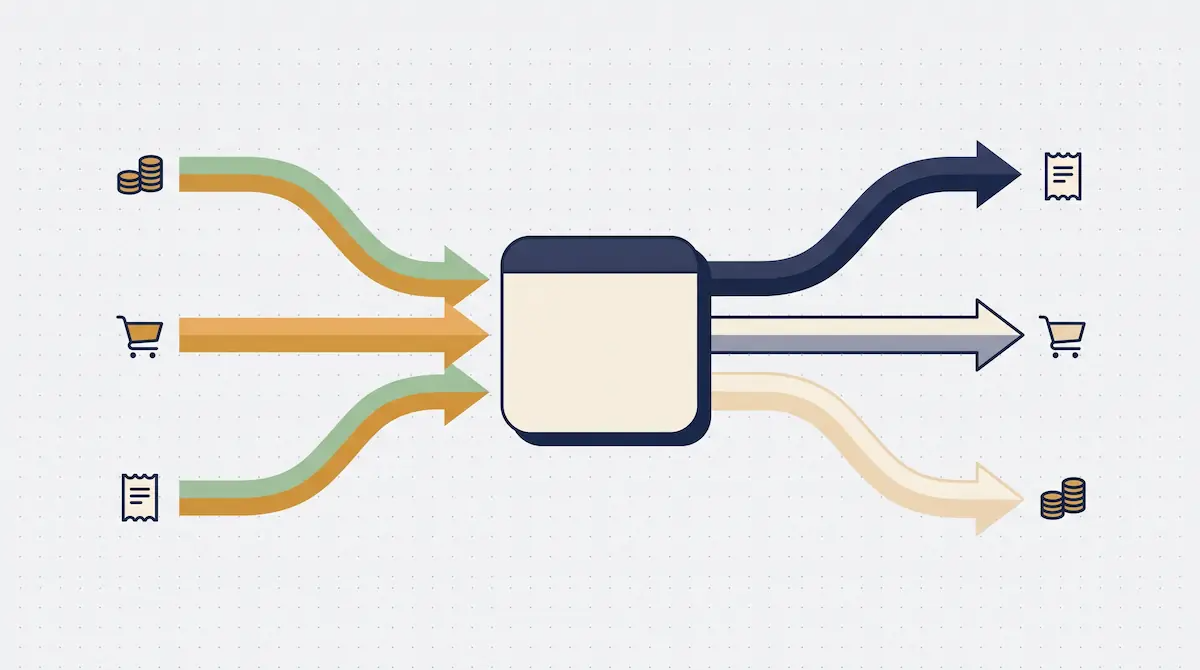
In POS-integrated bookkeeping, sales receipts flow in automatically; the owner only adds the expenses that happen outside the POS. The result is a daily, weekly, and monthly cash-flow picture that builds itself. That picture answers two questions clearly: what came into the till today, and does this month's money cover this month's costs?
Cash-flow tracking is a different layer from real-time cash management. The live balance in the drawer, cash discrepancies, and per-employee handover are a separate topic; preventing cash shortfalls and closing the drawer at end of day are covered in their own article. On the bookkeeping side, what matters is that these money movements can be classified and reported as income and expense — not "what's in the drawer" but "where did this money come from and which expense line did it go to."
E-Invoicing: Automatic Invoices Straight from the Sale
The most time-saving component of bookkeeping is e-invoicing. Digital invoices replace paper, are generated electronically, and are sent to the customer — and, where required, filed with the tax authority — without printing and re-typing. For many small businesses e-invoicing is becoming the norm even where it isn't yet mandatory.
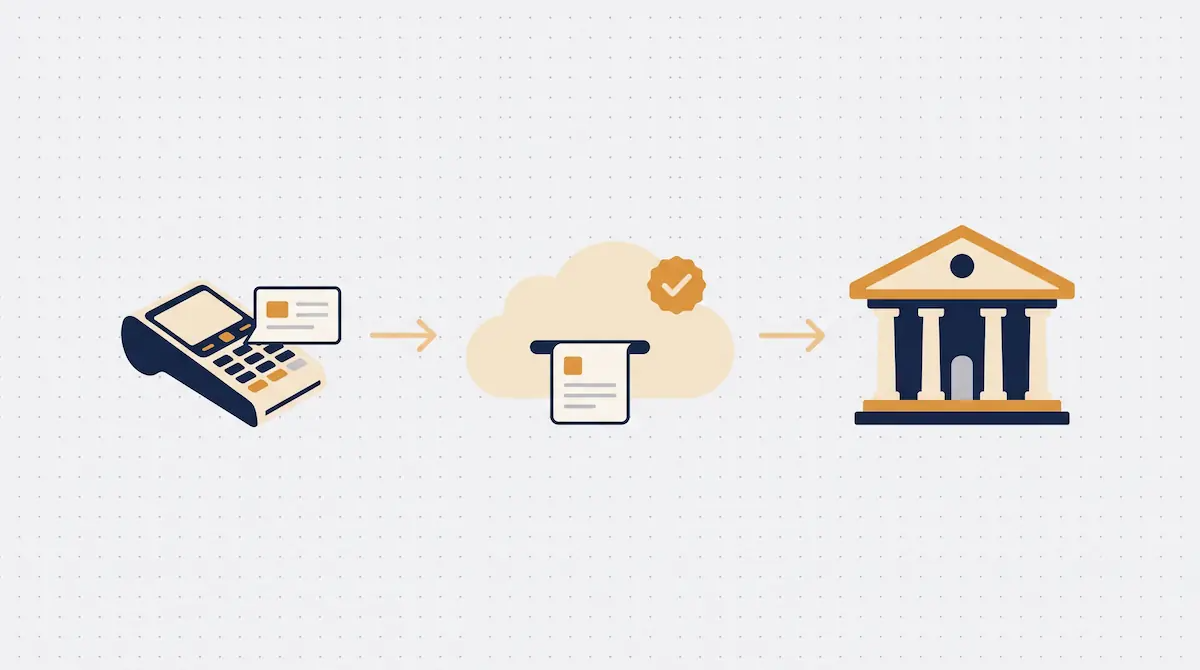
In POS-integrated bookkeeping, issuing an invoice stops being a step separate from the sale. When a customer asks for an invoice, the details come from the sale screen, the digital invoice is generated in the system, and the document reaches the customer by email or link. This brings three concrete benefits:
Time: The invoice isn't retyped; sale data turns directly into the invoice.
Accuracy: Amount, tax, and customer details come from the same source as the sale, so there's no mismatch.
Traceability: Every issued invoice is recorded in your books; which sale was invoiced and which is still pending is visible on one screen.
The invoice also links to the customer account automatically: when an invoice is issued for a credit sale, it posts to the customer's account as a receivable. That removes the "I invoiced it, but did I collect it" question.
Supplier and Customer Accounts: Tracking What's Owed
An account (a running ledger) is the record over time of the debit-credit relationship between the business and a supplier or customer. For any business that doesn't work strictly cash-up-front, this is the most critical bookkeeping item, because a forgotten receivable is money lost outright.
In bookkeeping software, an account card is kept for each supplier and customer, and every movement accumulates on it:
Supplier account (we owe): Purchase invoices post as debit, our payments as credit. The balance shows what we still owe that supplier.
Customer account (they owe us): Credit sales post as receivable, the payments we collect close them. The balance shows what we'll collect from that customer.
In a POS-integrated system most of these movements happen automatically: a credit sale posts to the customer account, a purchase invoice to the supplier account, on their own. The owner answers "who owes me how much, and whom do I owe how much" from a single screen. Deferred-payment instruments are tracked by due date; upcoming due dates are visible in advance, so neither a bounced payment nor a forgotten collection slips through.
Income-Expense and Profit-Loss: The Real Picture of the Business
Cash flow shows the movement of money and accounts show what's owed; the income-expense and profit-loss report shows whether the business actually earned anything in a given period. This is the most strategic output bookkeeping gives an owner.
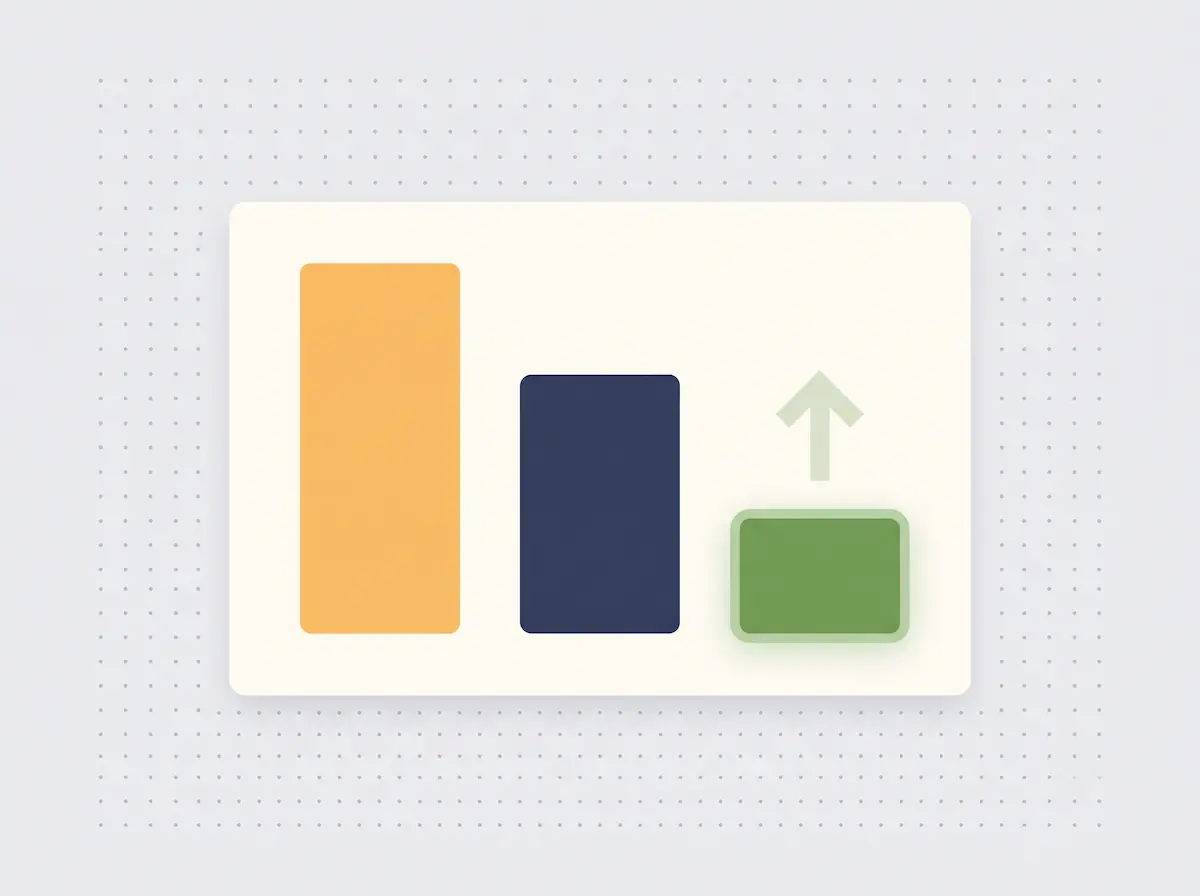
The income-expense report compares all income for the period (sales, other income) and all expenses (purchases, rent, payroll, fixed costs) line by line. The difference is the net result — the profit or the loss. POS-integrated bookkeeping produces this report automatically, because most of the income comes from sales and part of the expense from purchases that have already flowed into the system.
Don't confuse this report with an end-of-day sales summary. A daily sales close is the fiscal summary of that day's sales and part of closing the drawer; it's covered in detail in a separate article. Income-expense and profit-loss is a managerial report: alongside sales it includes rent, payroll, and supplier payments, and it makes the gap between "revenue" and "profit" visible. High revenue doesn't always mean high profit; the value of this report is precisely that it exposes that gap.
Working With Your Accountant: Clean Data at Hand-Off
Bookkeeping doesn't replace the accountant; it makes their job easier. Well-kept books mean the data that reaches the accountant at month end is organized, complete, and on time — which on the formal-accounting side means speed, accuracy, and fewer back-and-forth queries.
POS-integrated bookkeeping makes working with an accountant easier in two ways. First, period-end data — sales summaries, issued invoices, expense records, account balances — can be exported as tidy reports; the accountant receives one consistent data set instead of a shoebox of receipts. Second, because digital invoices are already filed electronically, the accountant can access those documents directly, and double entry disappears.
The healthy model in practice: the business keeps daily commercial activity as bookkeeping in the POS, the accountant handles statutory filing and reporting, and both sides speak from the same clean data. That way the owner makes daily decisions on live data and stays compliant on the tax and reporting side.
Common Mistakes
Keeping sales in the POS and books in a separate program: Double entry wastes effort and breeds errors; data should be born in one place.
Not keeping accounts current: If credit sales and purchases aren't posted immediately, the debit-credit picture doesn't reflect reality; a forgotten receivable is money lost.
Mistaking revenue for profit: Without an income-expense report, high revenue is assumed to be high profit; when expenses are invisible, a loss goes unnoticed.
Confusing invoicing with collection: Issuing an invoice isn't collecting payment; where the invoice isn't linked to the account, "I billed it but never collected" receivables pile up.
Leaving the books until month end: If data doesn't build live through the day, month end becomes a scramble; a POS-integrated system prevents it by flowing data day by day.
Frequently Asked Questions
What is the difference between bookkeeping and accounting?
Bookkeeping is recording and reporting a business's daily commercial transactions (sales, purchases, receipts, payments, invoices, accounts); the business does it itself. Accounting is the regulatory work — statutory ledgers, tax returns, official statements — handled by a professional accountant. Bookkeeping is the step before accounting and feeds into it.
Does POS bookkeeping software replace my accountant?
No. POS bookkeeping keeps daily commercial data organized and live; statutory filing, tax, and formal reporting remain the accountant's responsibility. Well-kept books give the accountant clean data and speed up formal accounting, but they don't replace it.
Can I issue e-invoices from the POS?
Yes. On a POS with e-invoicing integration, sale details turn directly into the invoice, the document is generated and sent to the customer electronically, and it links to the customer account — so collection tracking on credit sales runs automatically.
Does a small business really need bookkeeping software?
Yes — and the impact is often bigger for a small business. With few people, scattered records cost the most time and money. POS-integrated bookkeeping brings daily cash flow, accounts, and profit onto one screen without the cost of separate software.
Bookkeeping With Kardo POS
In Kardo POS, bookkeeping isn't a separate program but a natural extension of the sale. Every sale at the till creates the income entry, the payment breakdown, and the stock movement; the e-invoice is issued from the sale in one step, supplier and customer accounts post on their own, and the income-expense and profit-loss summary stays current in the background. When the owner adds the off-POS expenses, the real financial picture of the day is complete.
If you'd like to see how to manage cash flow, e-invoicing, accounts, and profit-loss in one system without a separate accounting program, you can try it with your own business data in a Kardo POS demo. Our aim is to let you look at a current financial picture every day rather than waiting for month end and guessing.